This is a digital Magento 2 extension. No physical product will be shipped.
Download access will be provided after successful payment.
Magento 2 Pick & Pack
As low as $219.00 Regular Price $279.00
In stock
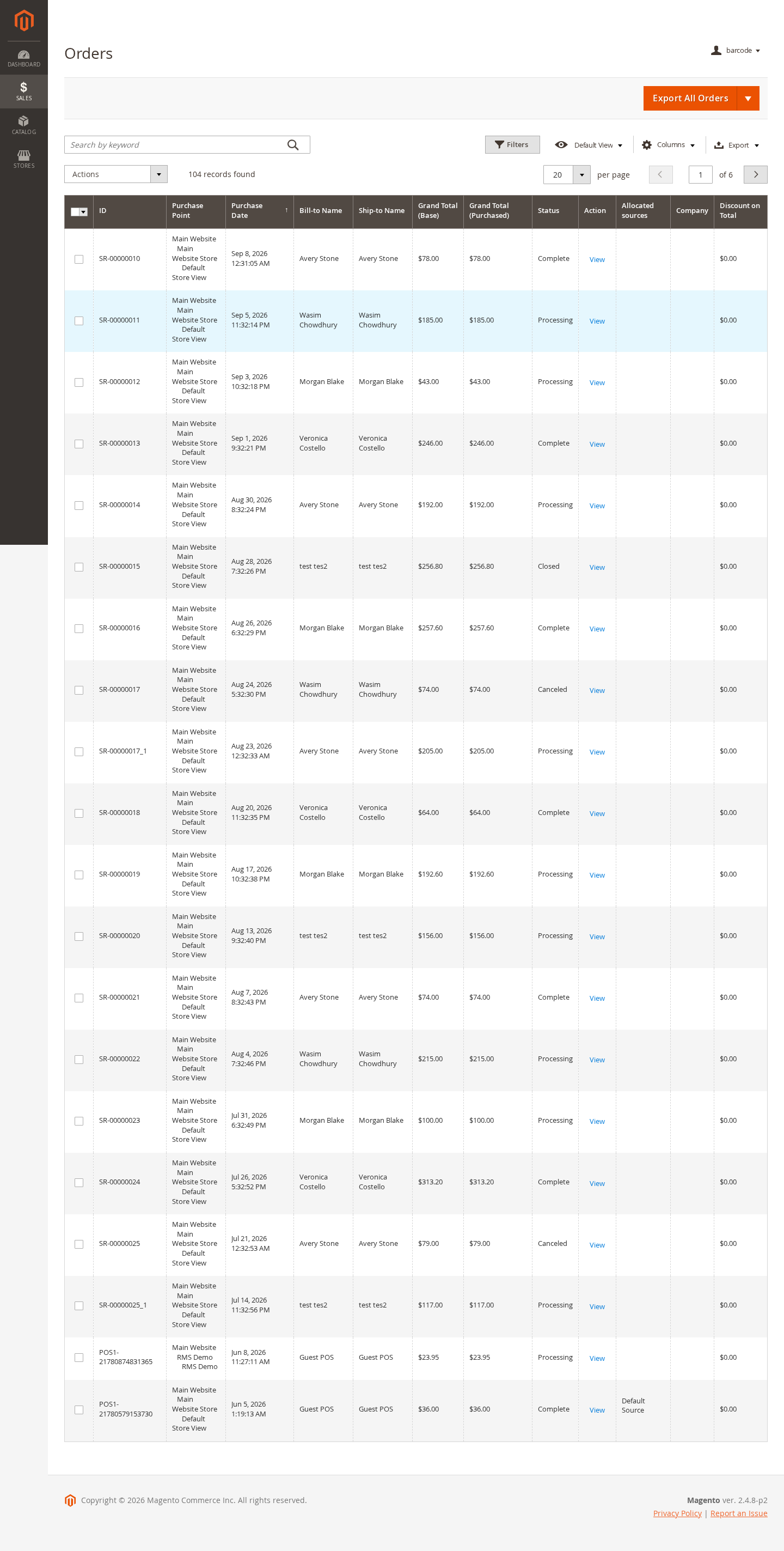
Magento 2 Pick & Pack helps warehouse and store teams pick orders, verify quantities, pack items into boxes, and queue fulfillment work from a focused PWA connected to Magento.
- Dedicated Pick & Pack PWA for warehouse and store staff.
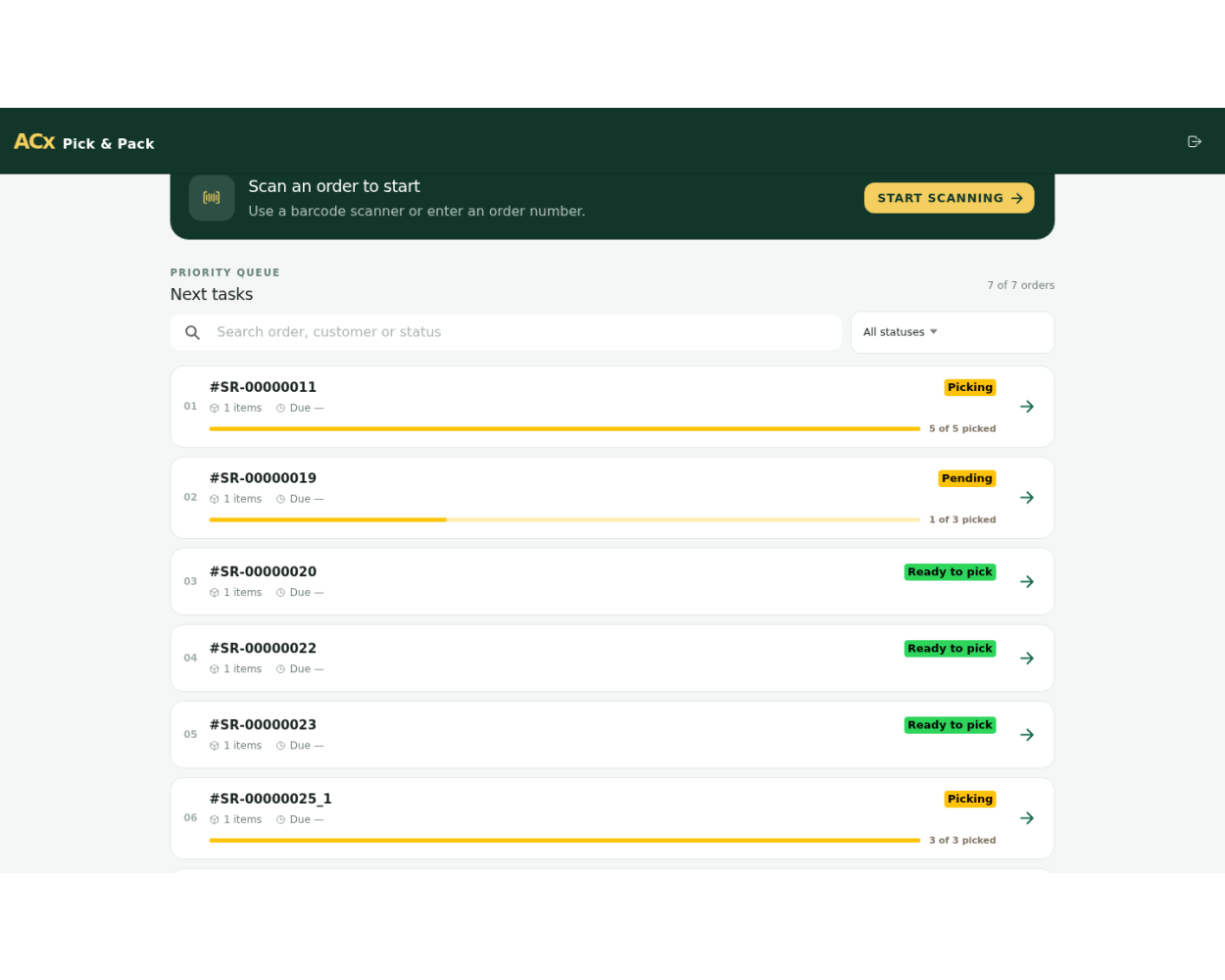
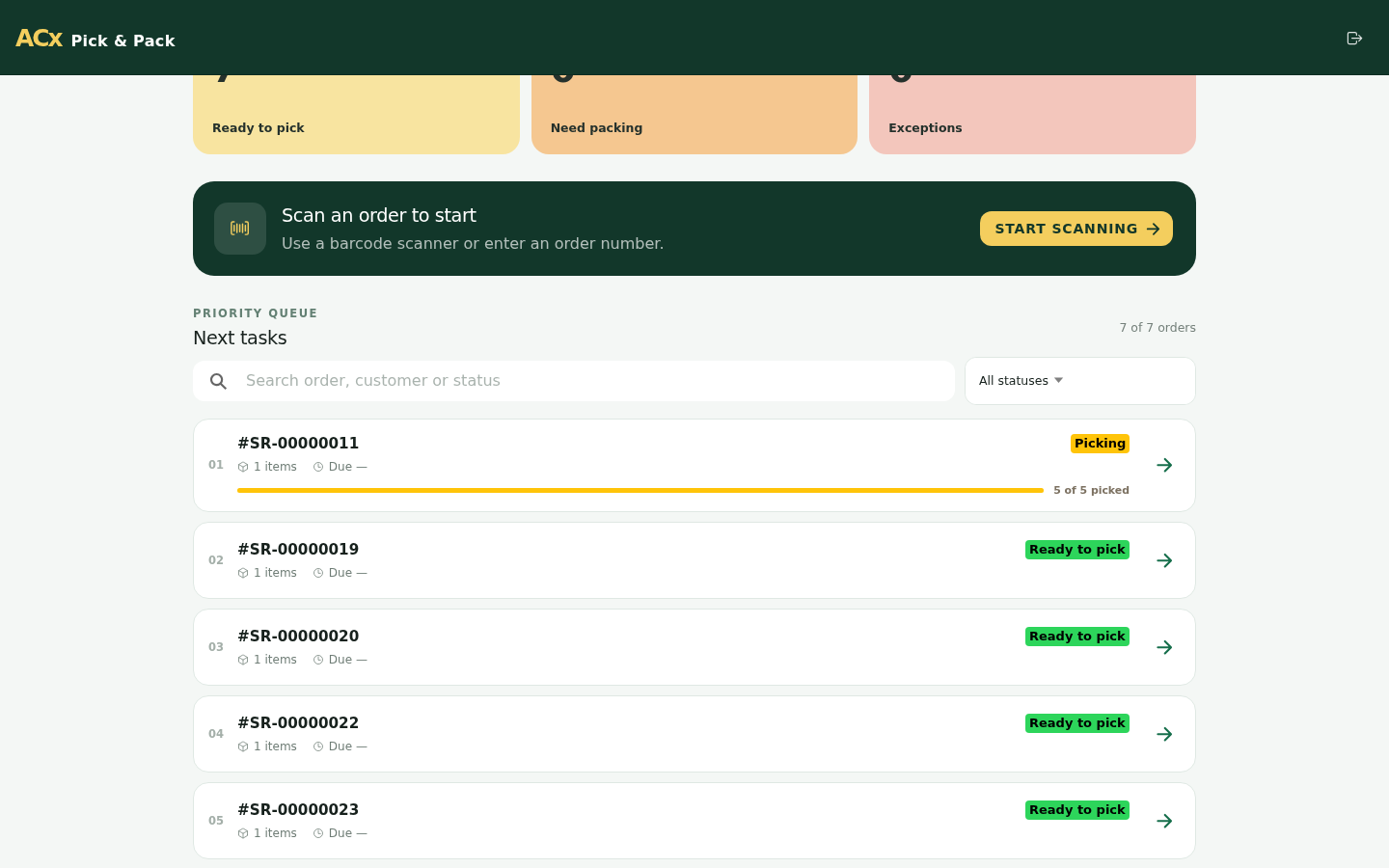
- Priority order queue with order status, pickup location, and pending-work visibility.
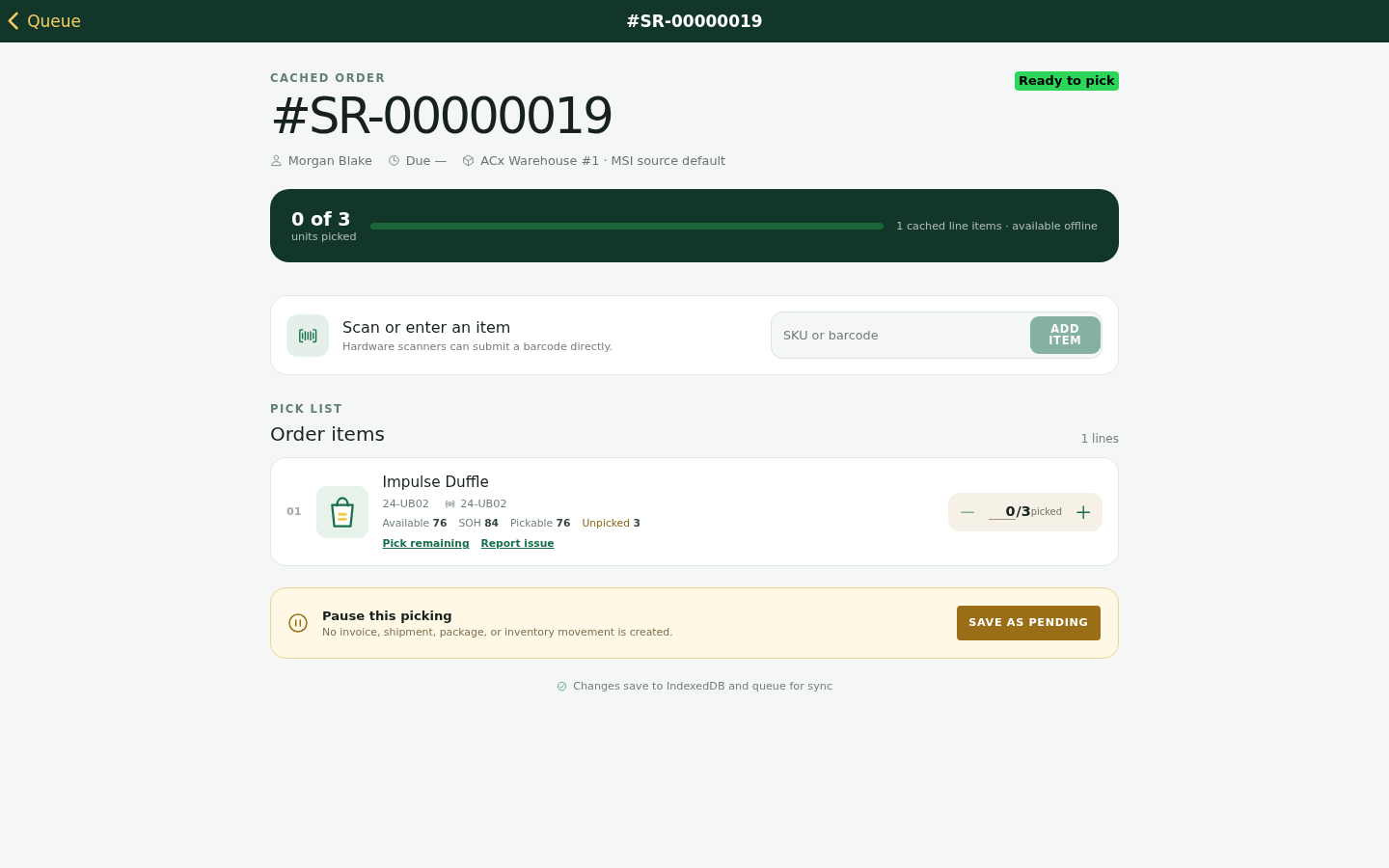
- Warehouse-aware pick lists with SKU, quantity, availability, and item progress.
- Partial pick, pending, ready-to-pack, packed, and completed workflow states.
- Box selection and item assignment during the packing step.
- Offline-friendly workflow with local pending work and synchronization activity.
- Mobile responsive screens for floor staff using phones or tablets.
- Works with Magento fulfillment operations and compatible Agile Codex omnichannel modules.
This is a digital Magento 2 extension. No physical product will be shipped.
Download access will be provided after successful payment.
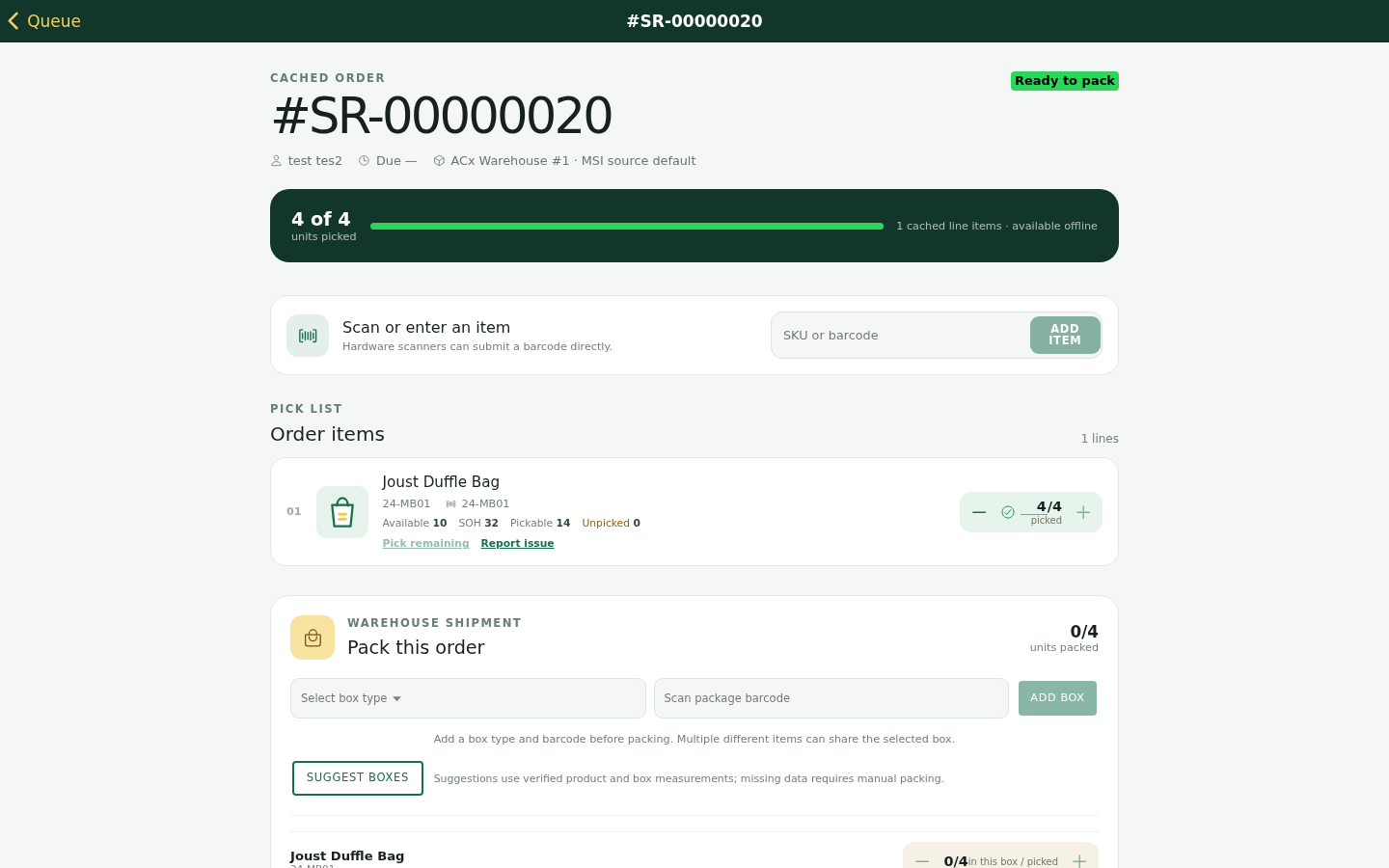
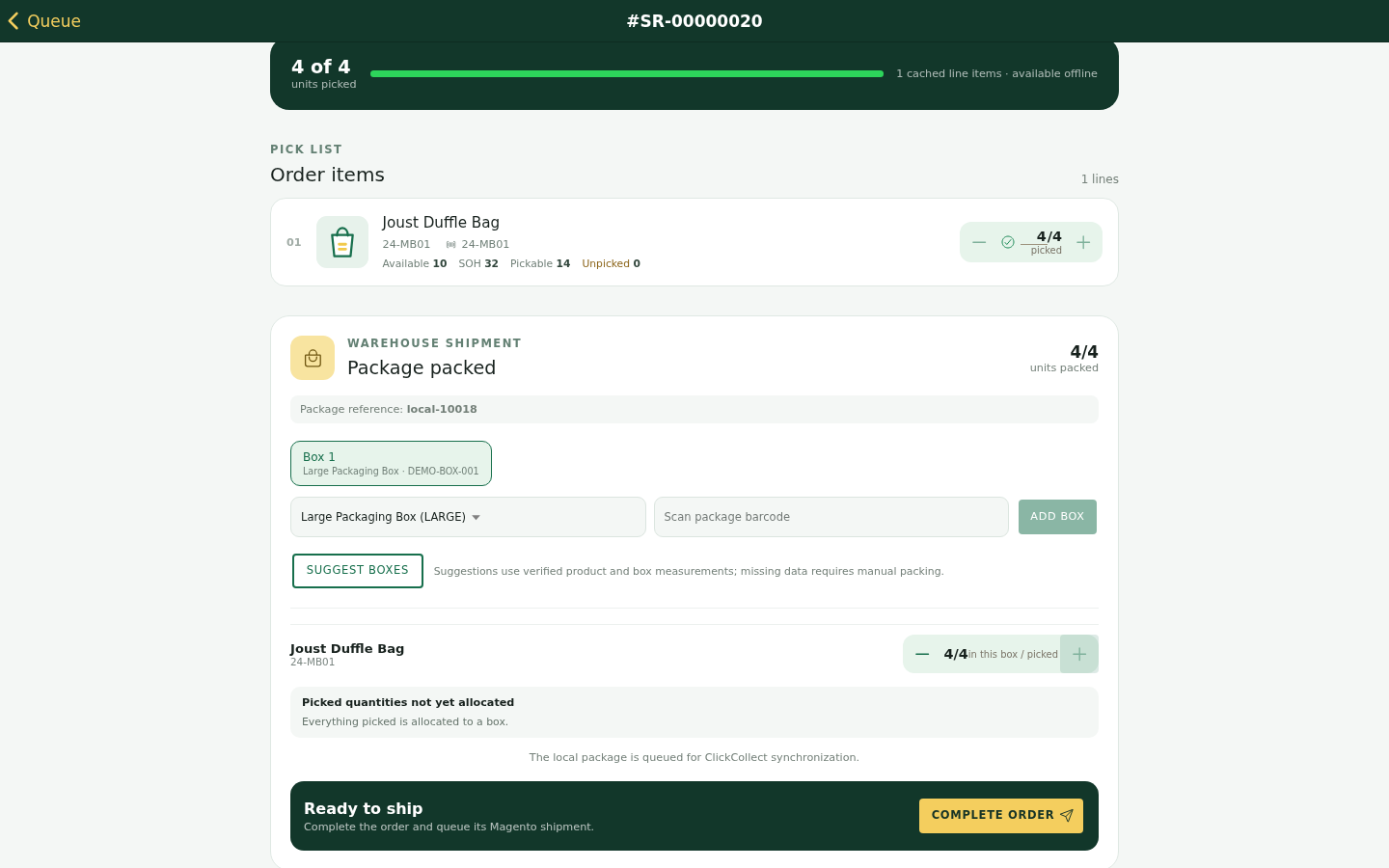
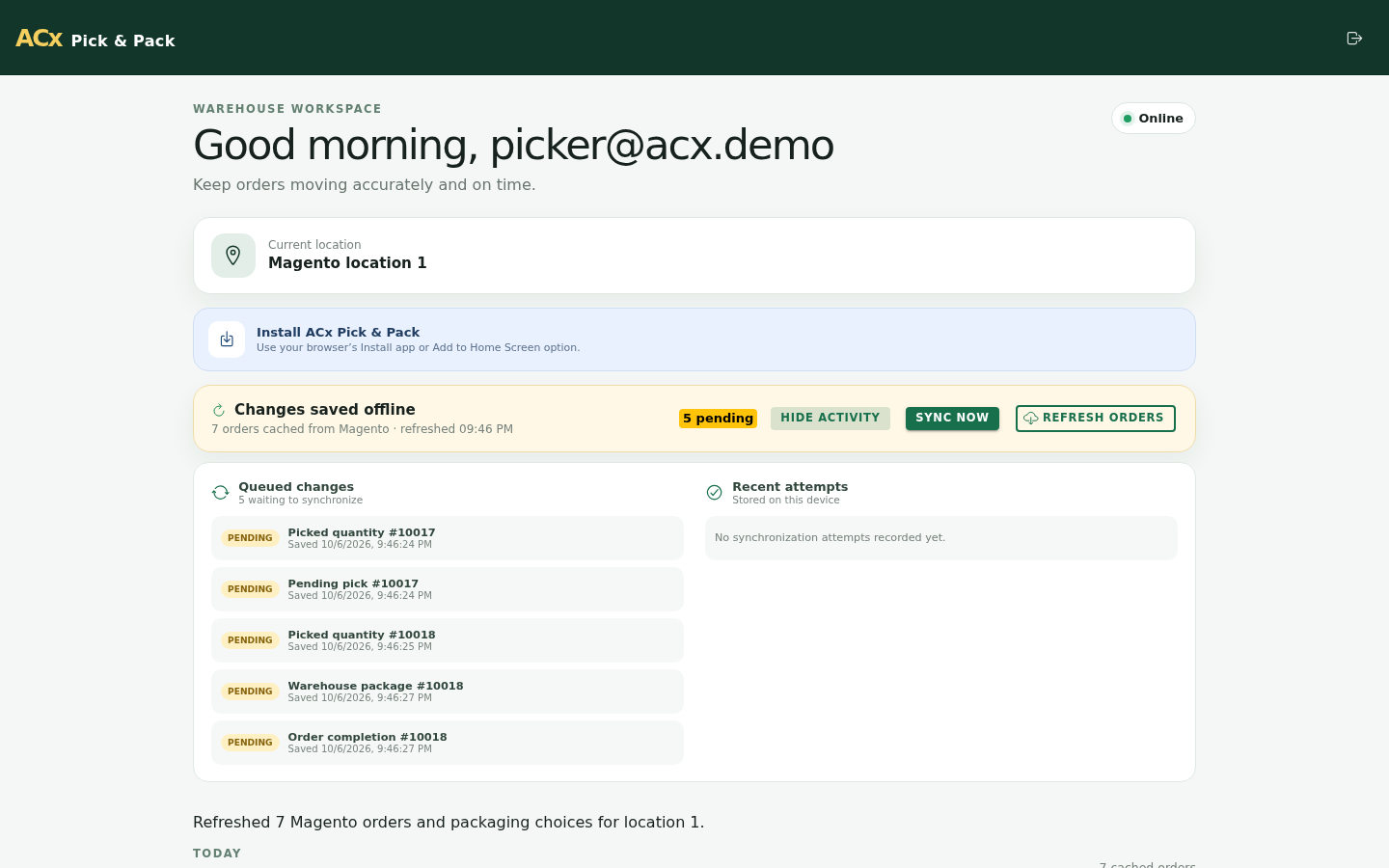
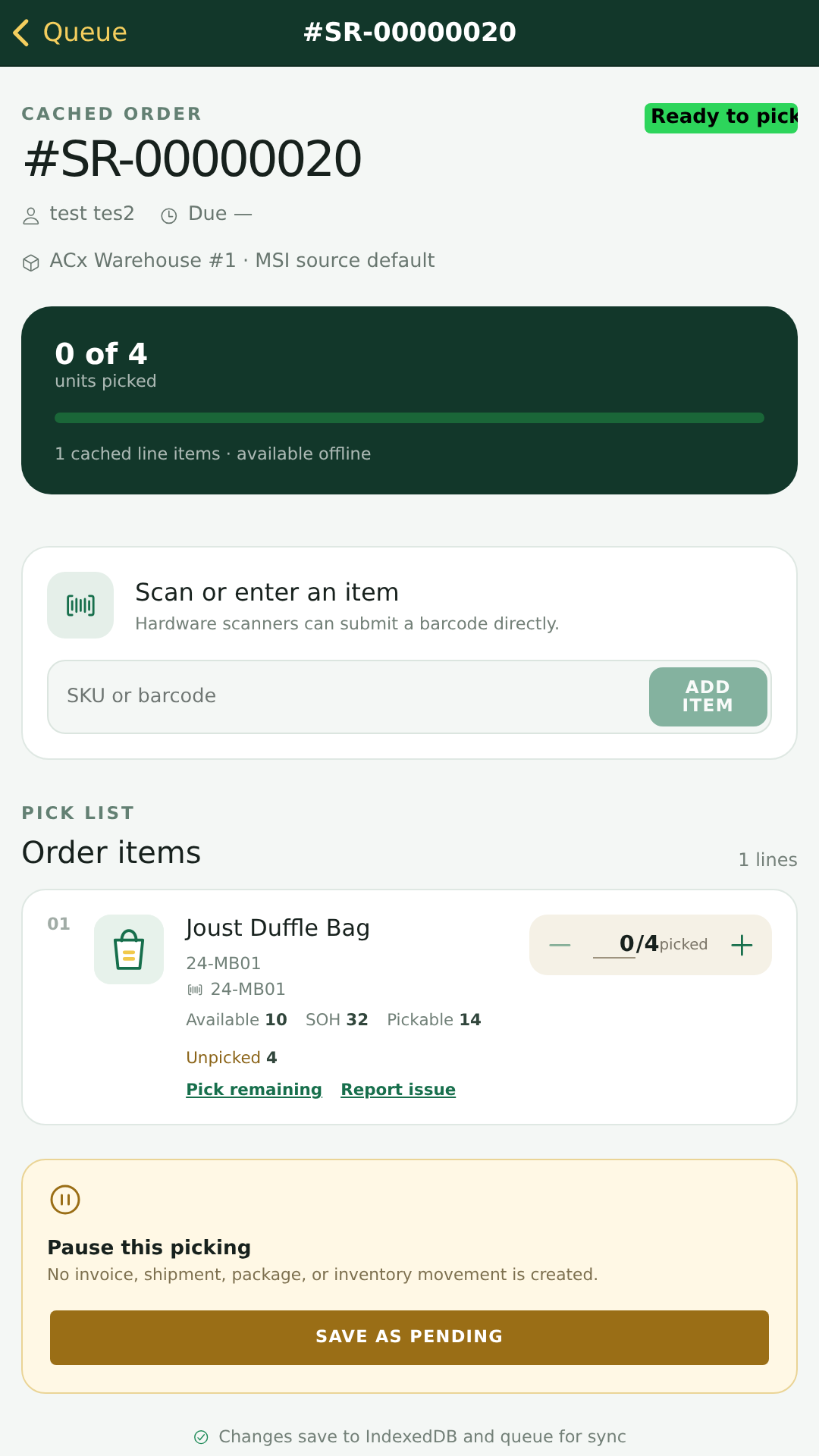
Magento 2 Pick & Pack gives fulfillment staff a practical PWA workflow for moving orders from queue to picked items, packed boxes, and completion. It is designed for Magento merchants that operate warehouses, retail collection points, or omnichannel fulfillment teams and need a clearer operational screen than the standard Magento order grid.
Priority Order Queue
Staff can open a focused queue of fulfillment work with order references, customer details, status, pickup or warehouse context, and pending work indicators.
- Review new, pending, picked, packed, and completed work from one PWA dashboard.
- Use priority and status indicators to decide which order should be handled next.
- Resume unfinished orders without losing local progress.
Warehouse Pick Lists
Each order opens into an item-level pick list so staff can verify SKU, quantity, warehouse availability, and current pick status before moving to packing.
- Track required, picked, and remaining quantities.
- Support partial picking and save an order as pending when work is incomplete.
- Keep the picker focused on operational fields instead of full admin order screens.
Packing and Box Assignment
After picking is complete, staff can move the order to packing, select a box, assign packed items, and review the packed result before completion.
- Separate picking and packing steps for cleaner accountability.
- Assign items to a selected box during the packing workflow.
- Review packed items before completing the local fulfillment task.
Offline-Friendly PWA
The PWA can keep local work visible when connectivity is interrupted and show synchronization activity when actions are queued for Magento.
- Continue reviewing pending work when the app is offline.
- Queue completed local activity for synchronization.
- Give staff clear visibility into pending sync records.
Mobile and Desktop Screens
The interface is responsive for desktop workstations, tablets, and mobile phones used by pickers on the floor.
- Mobile order queue for staff moving through a warehouse or store.
- Mobile pick-list screens with clear quantity controls.
- Desktop dashboard for supervisors or packing stations.
Omnichannel Fulfillment Fit
Pick & Pack can be positioned with Web POS, Click and Collect, Inventory Management, Purchase Management, RMA, and Reward Points as part of a broader Agile Codex Magento 2 fulfillment workflow.
- Useful for warehouse dispatch, store collection, and back-office fulfillment teams.
- Complements order capture, inventory visibility, purchasing, returns, and loyalty workflows.
- Uses existing Magento products and orders instead of creating a separate commerce system.
Pick & Pack Workflow Summary
- Staff signs in to the Pick & Pack PWA.
- Open the order queue and choose the next order to process.
- Pick required items and save partial work as pending when needed.
- Move completed picks into the packing step.
- Select a box, assign packed items, and review the packed order.
- Complete the local task and review any queued synchronization activity.
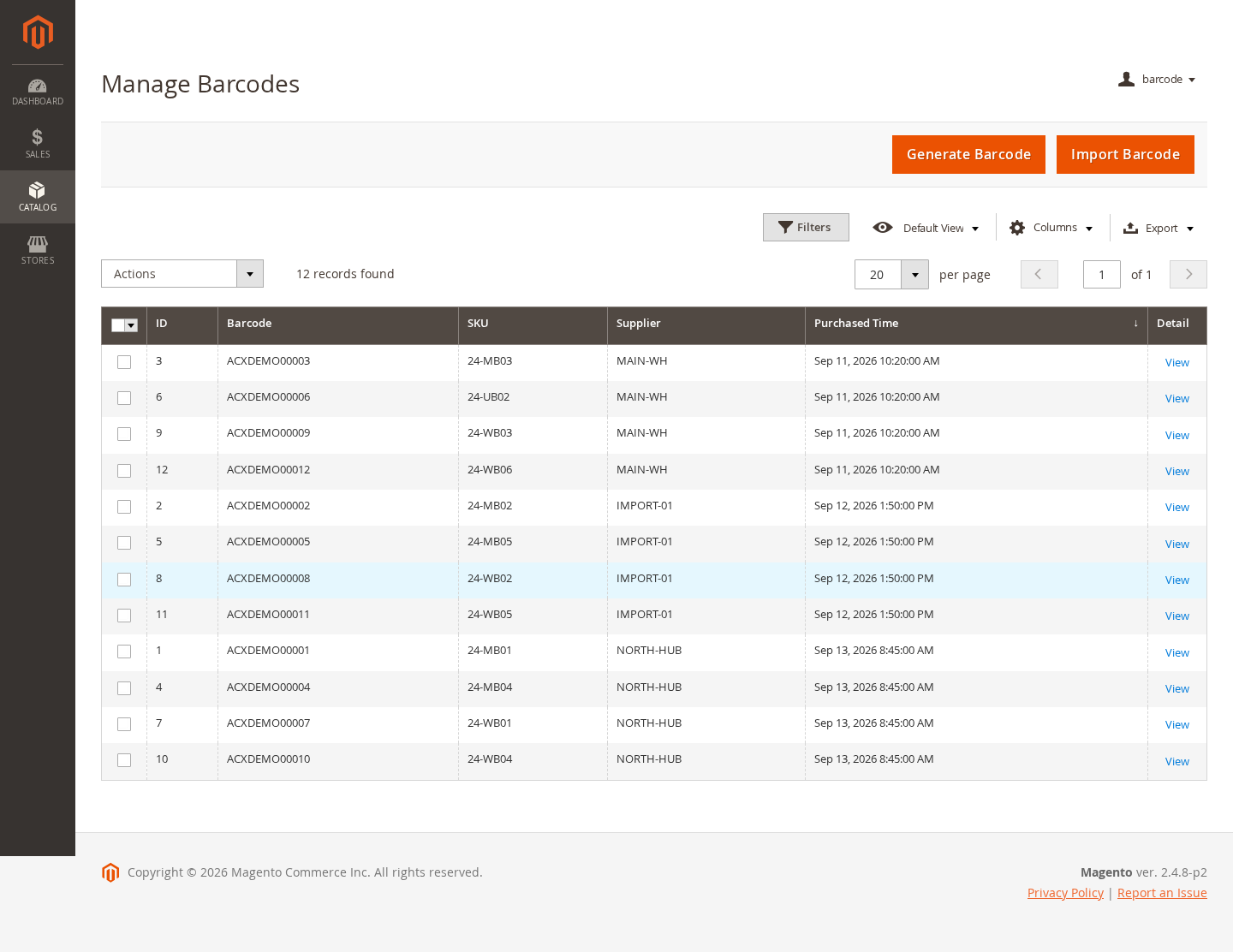
Zoom In
Barcode Management
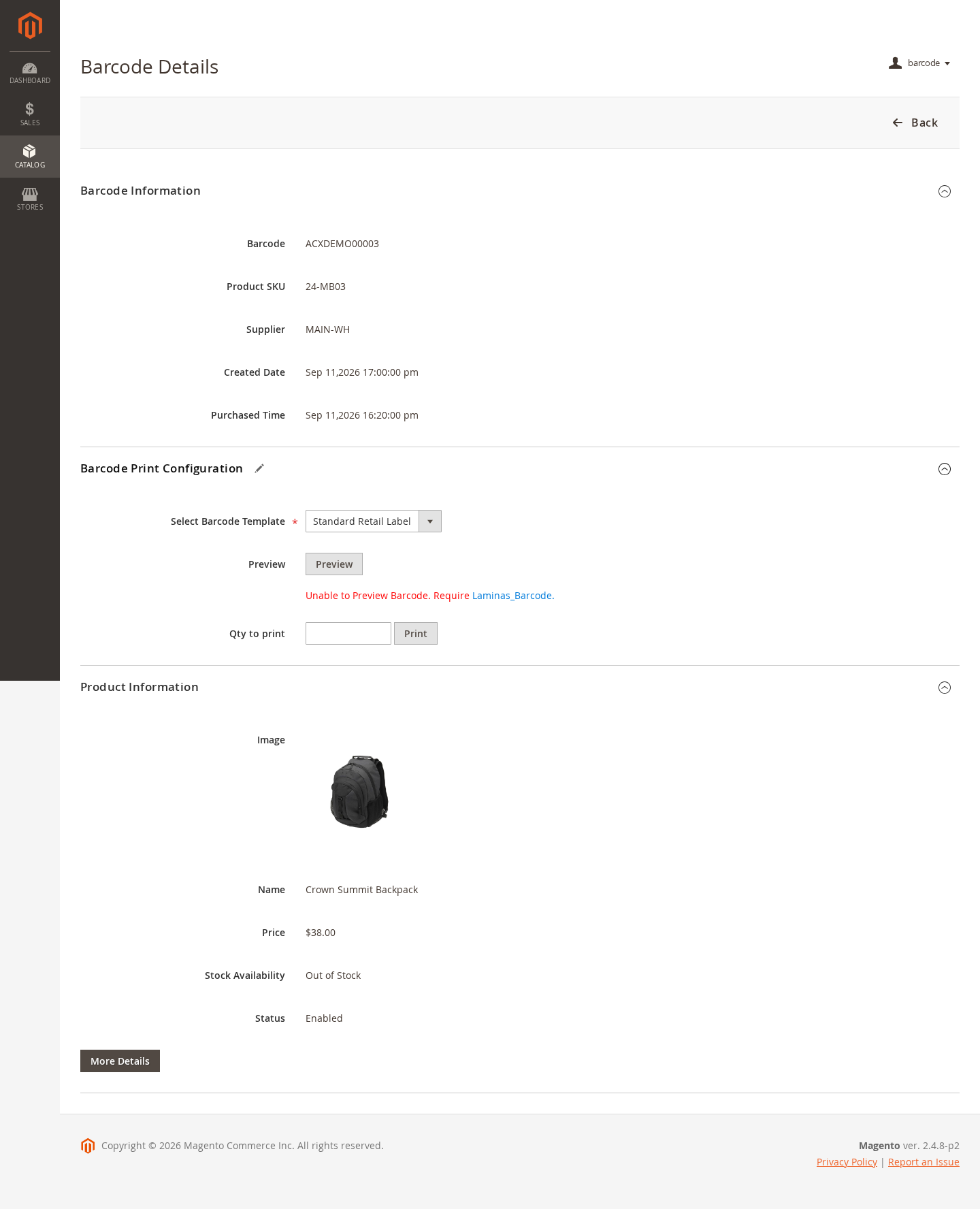
Zoom In
Barcode Details
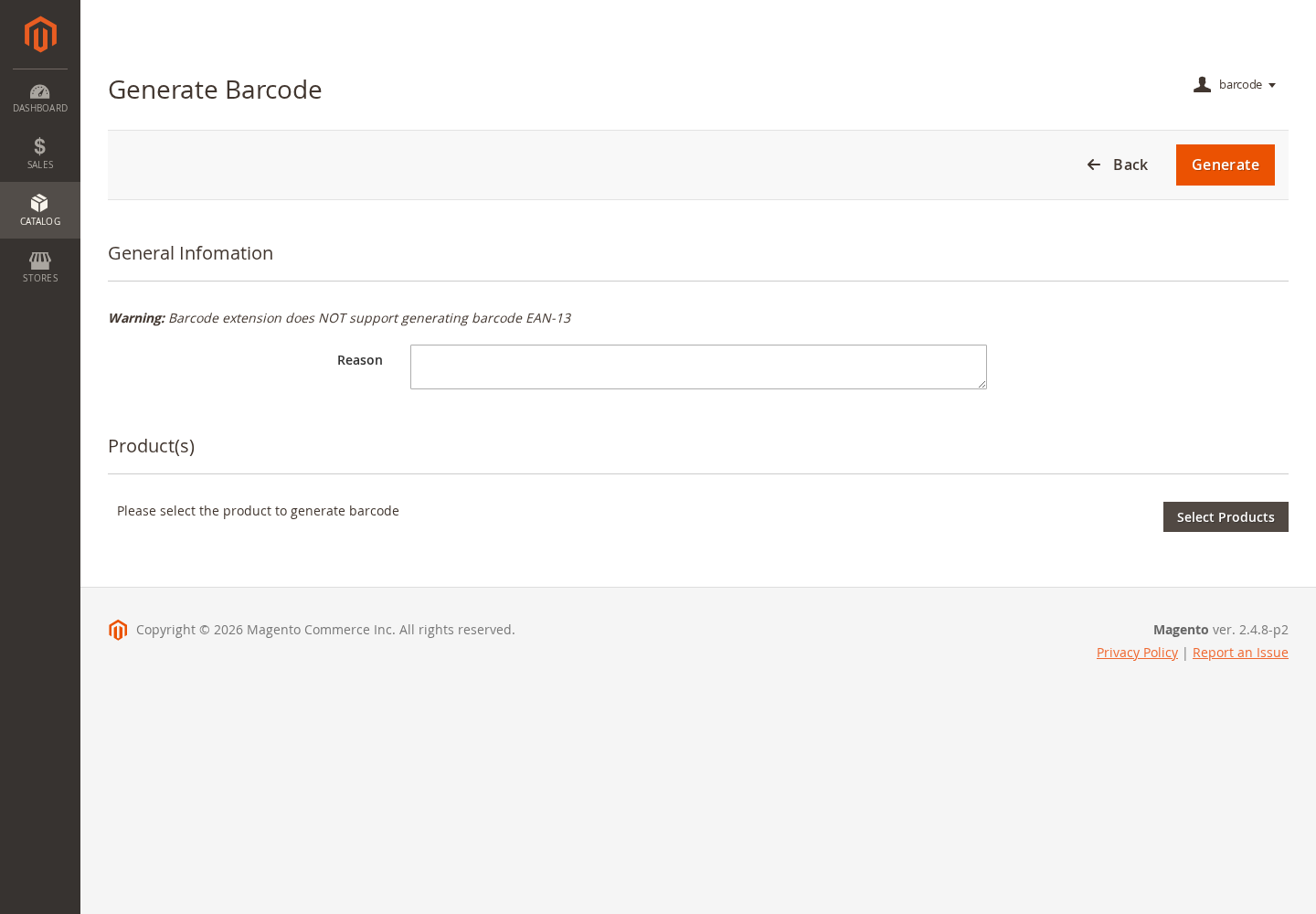
Zoom In
Generate Barcodes
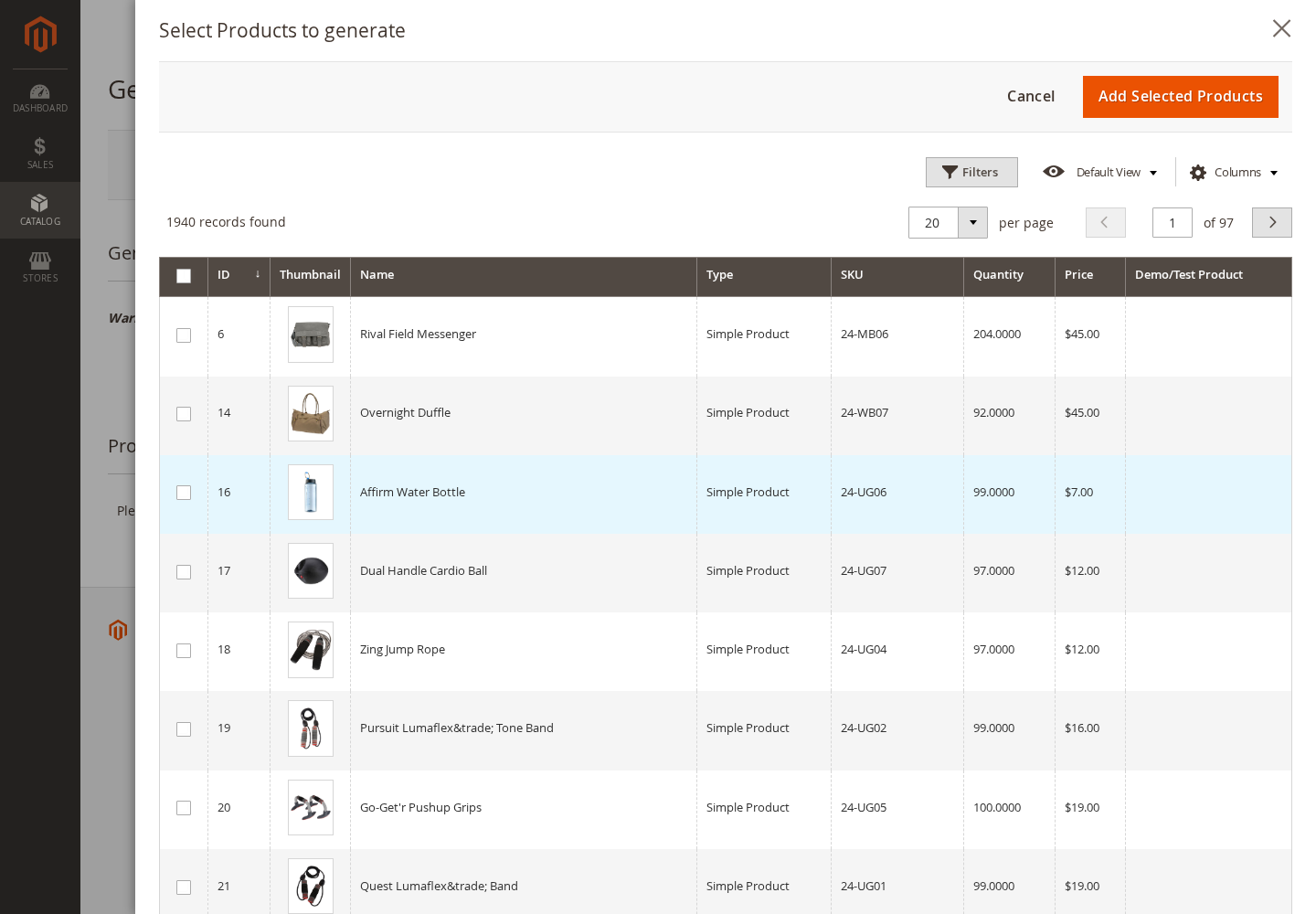
Zoom In
Select Products
Zoom In
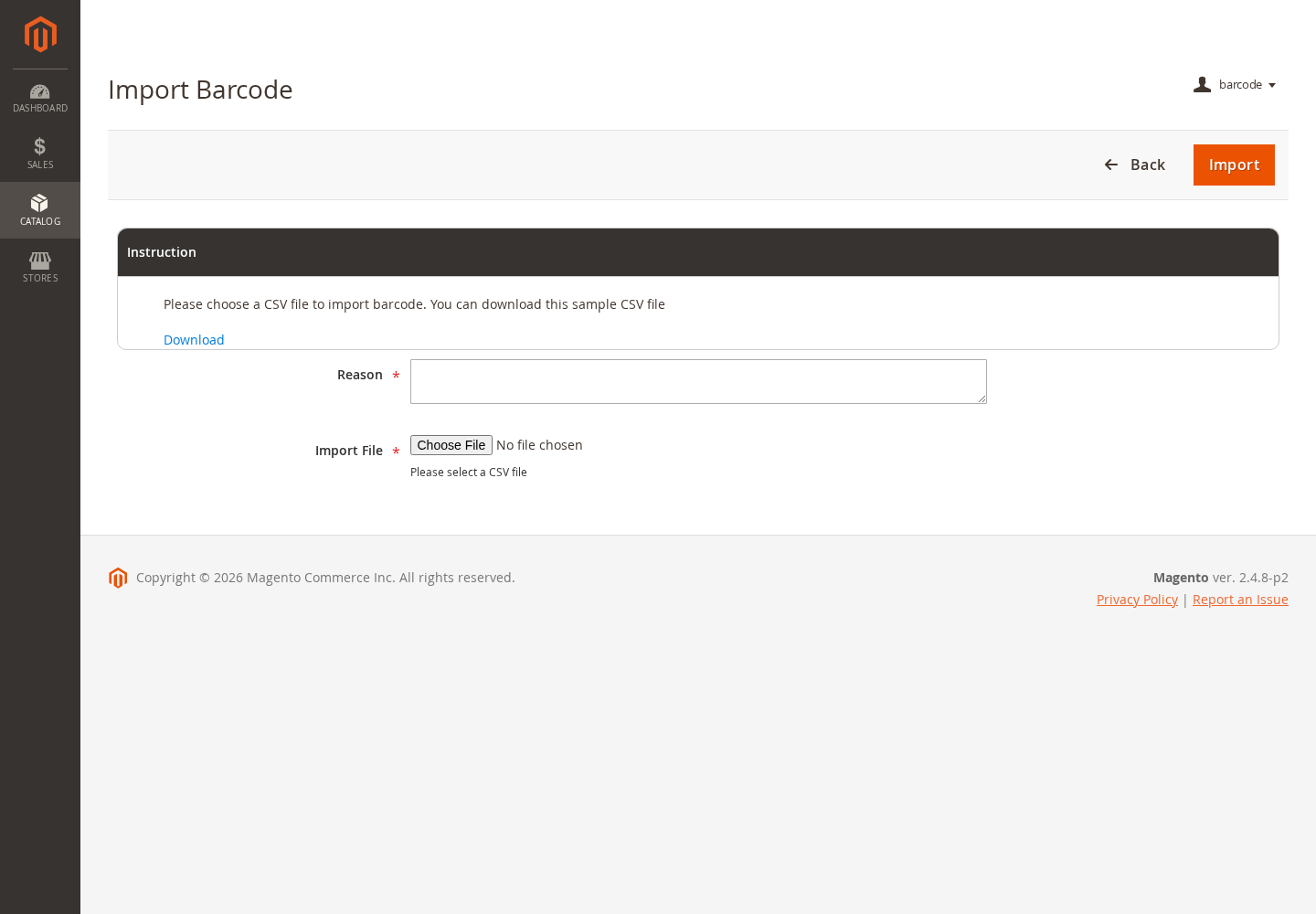
Import Barcodes
Zoom In
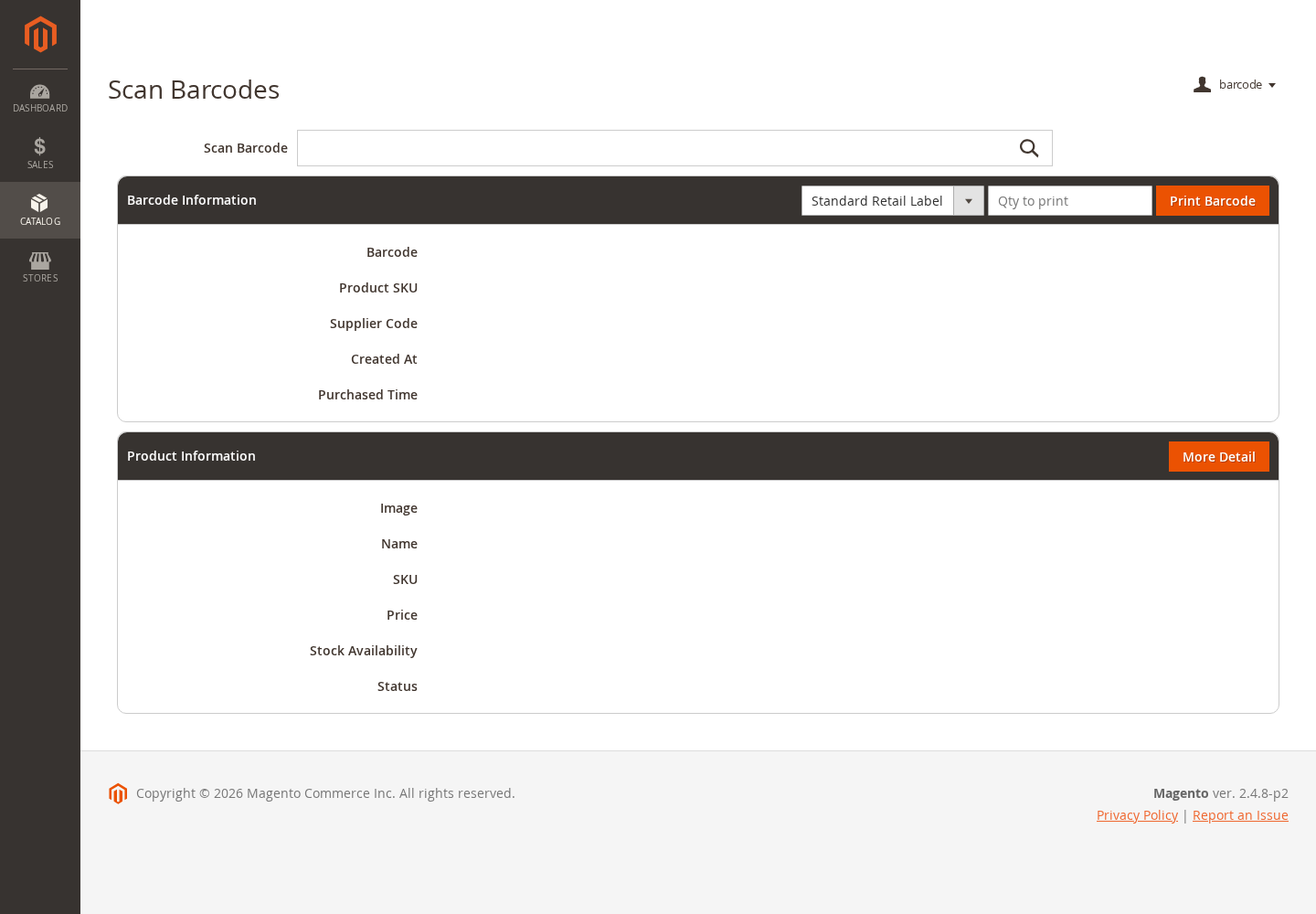
Barcode Scanner
Zoom In
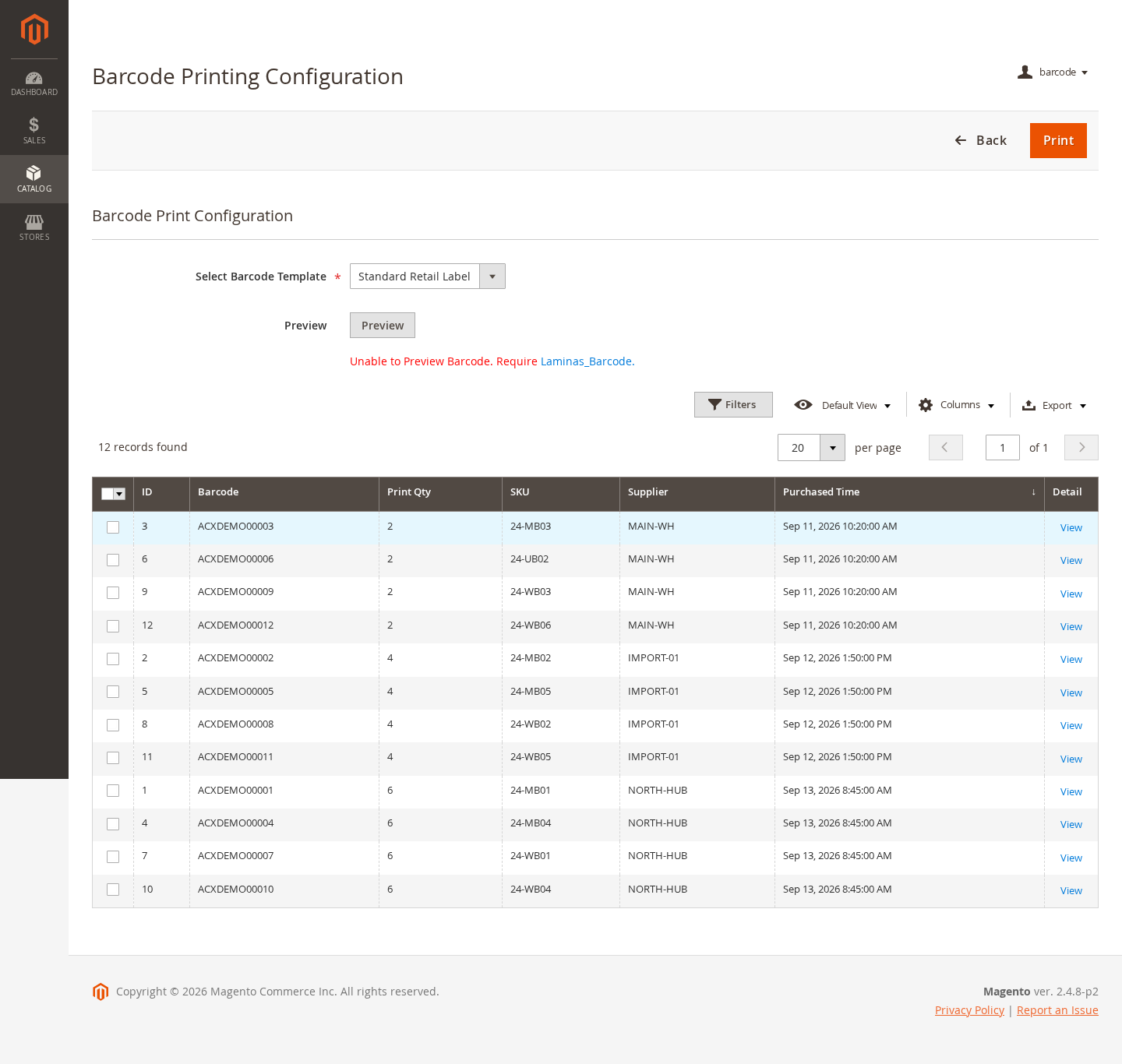
Print Barcode Labels
Zoom In
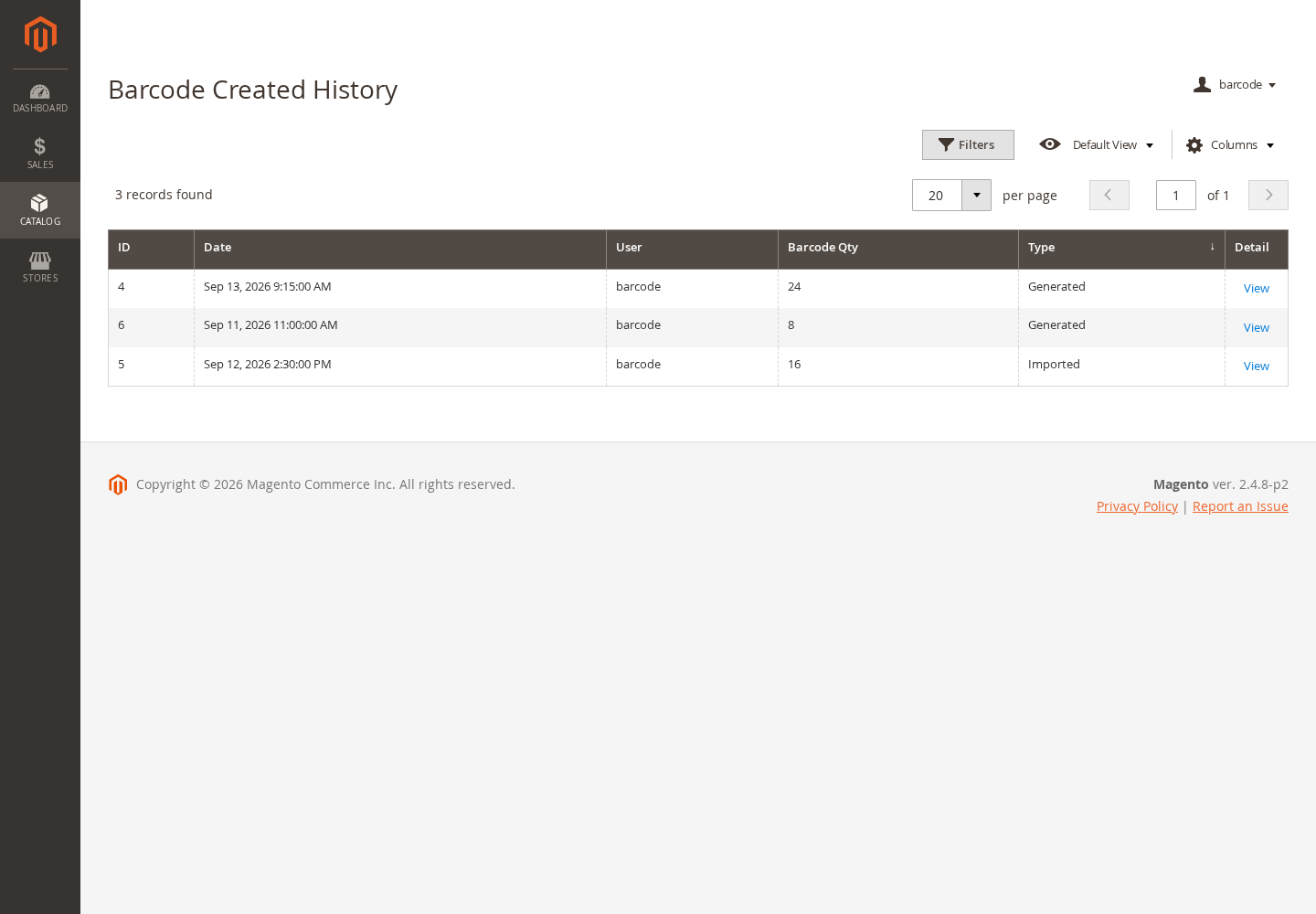
Generation History
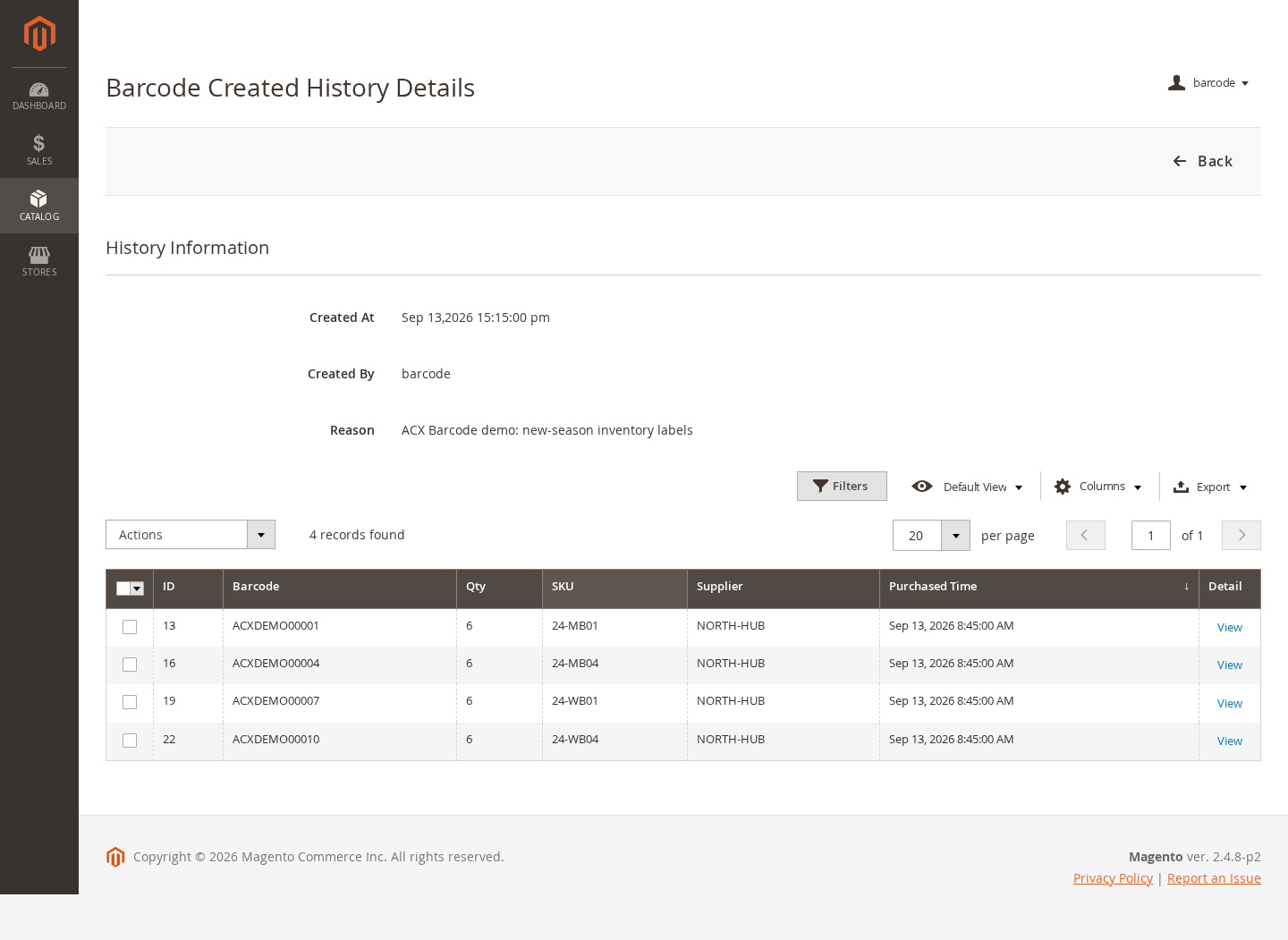
Zoom In
History Details
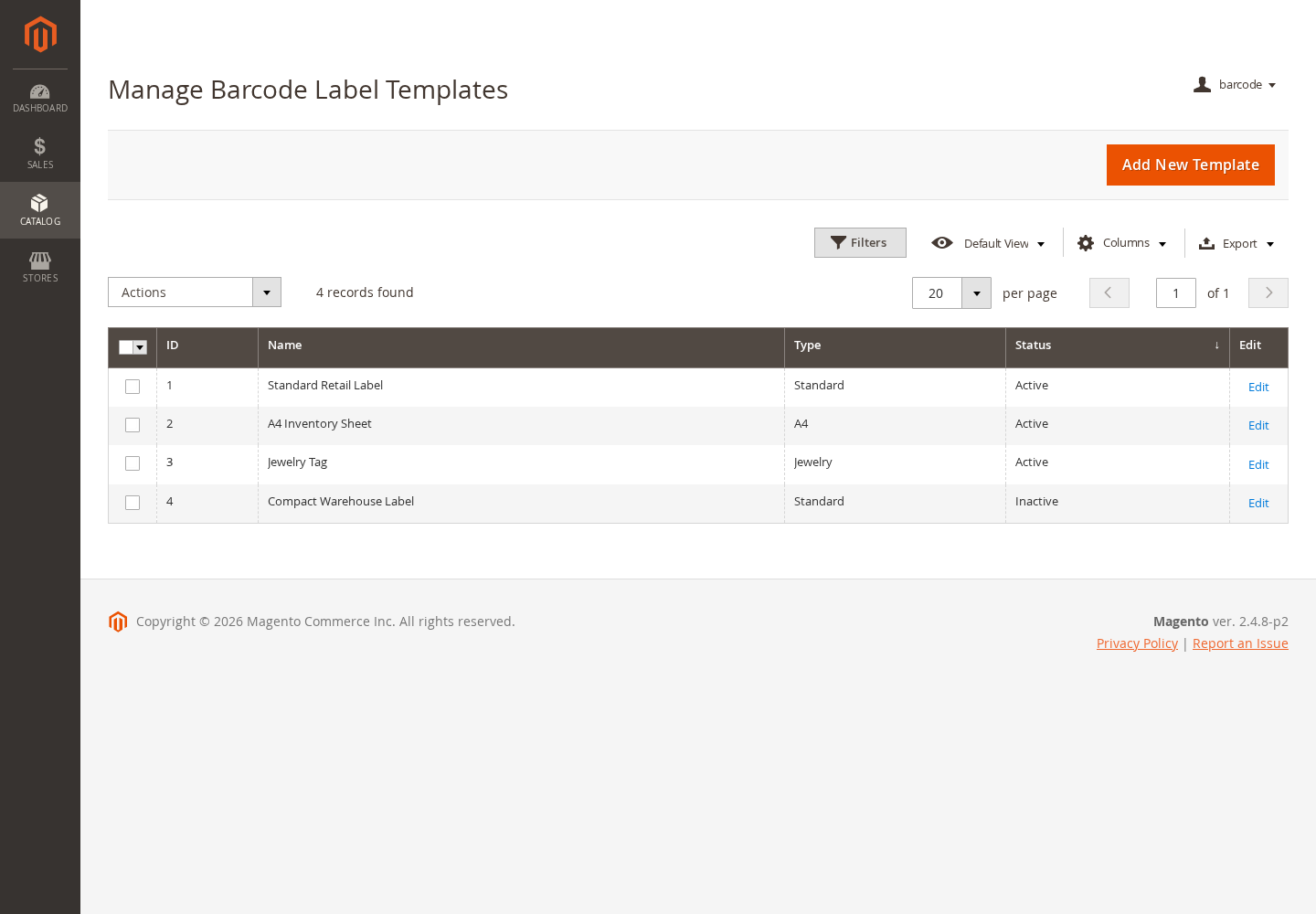
Zoom In
Label Templates
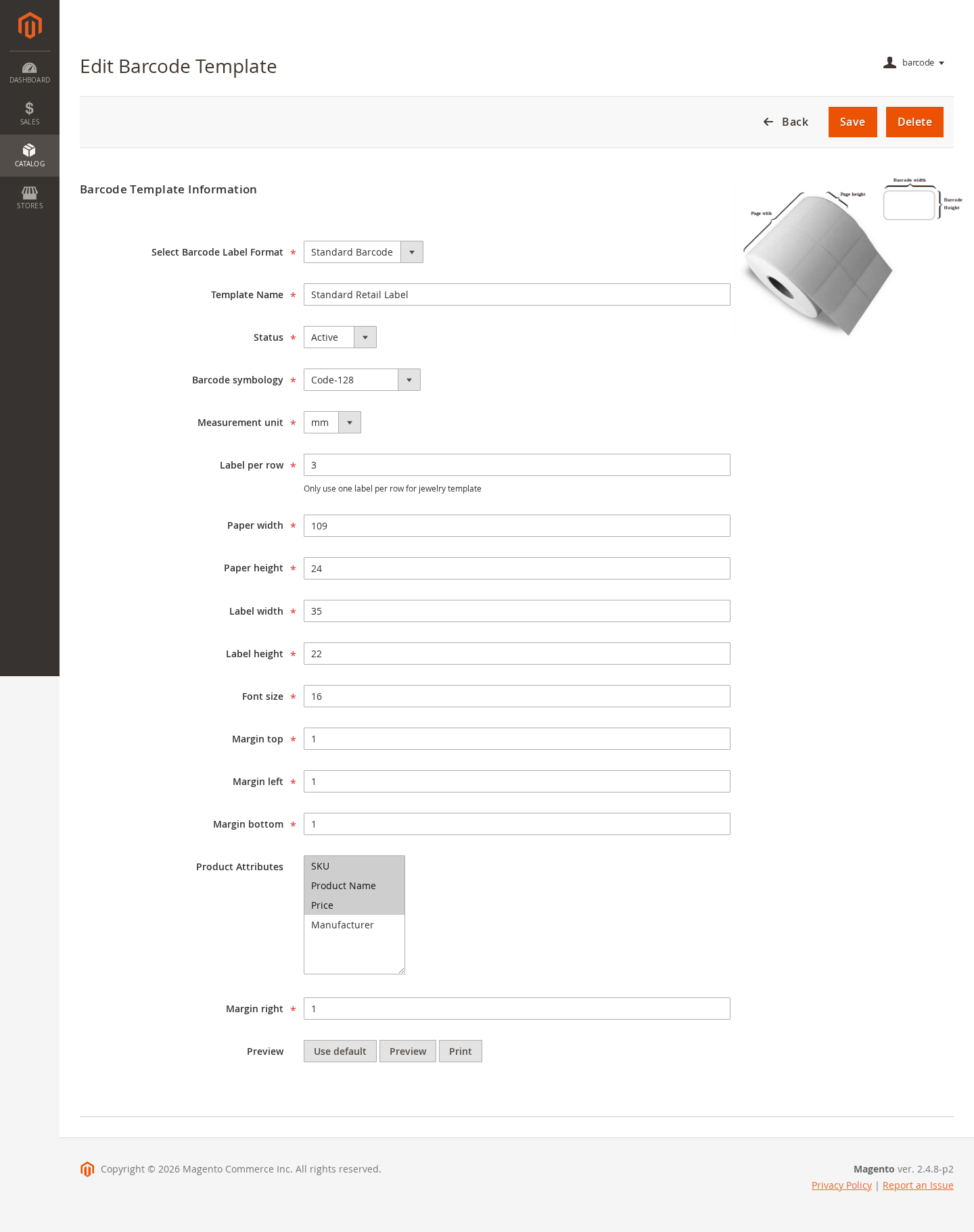
Zoom In
Template Editor
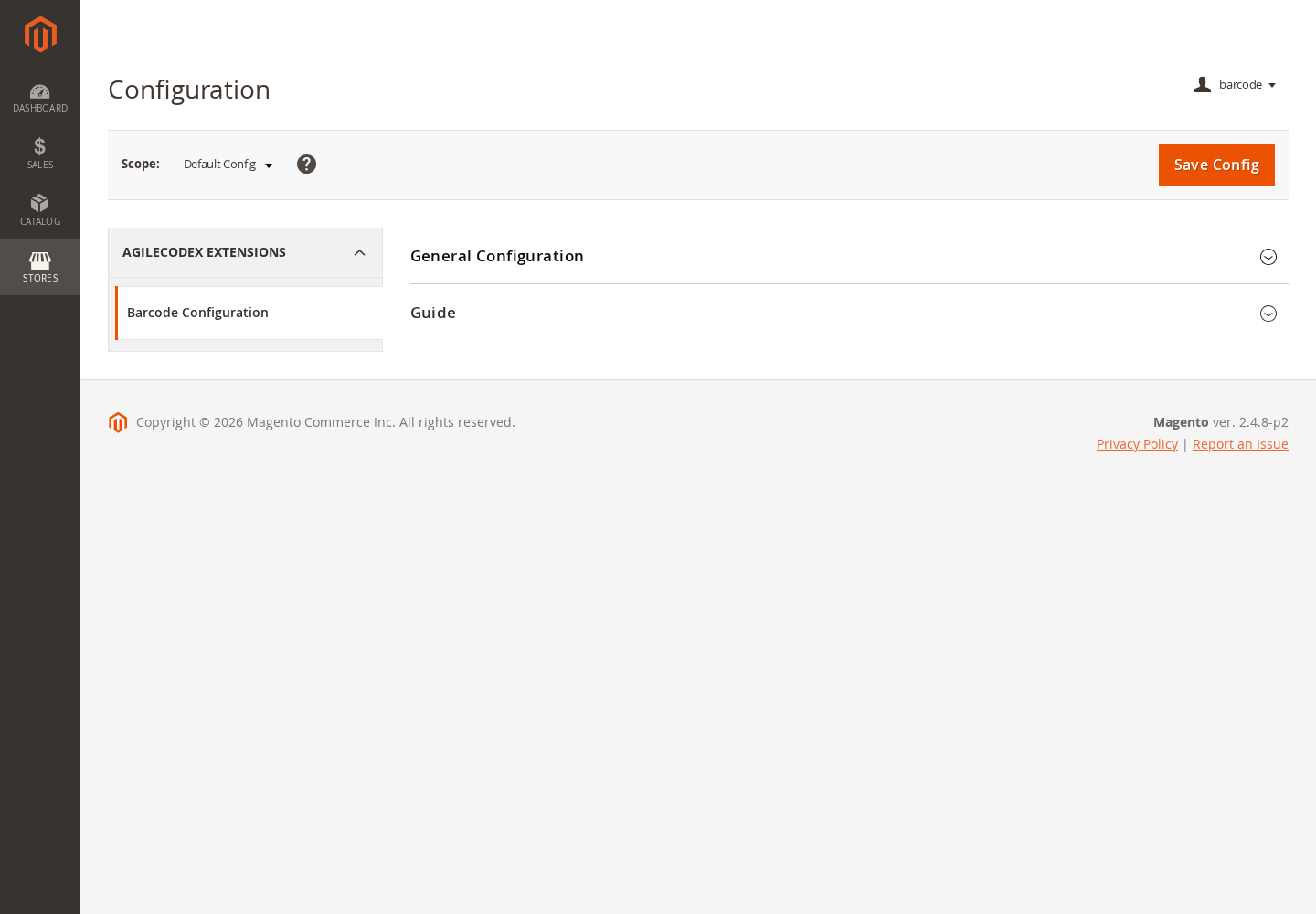
Zoom In
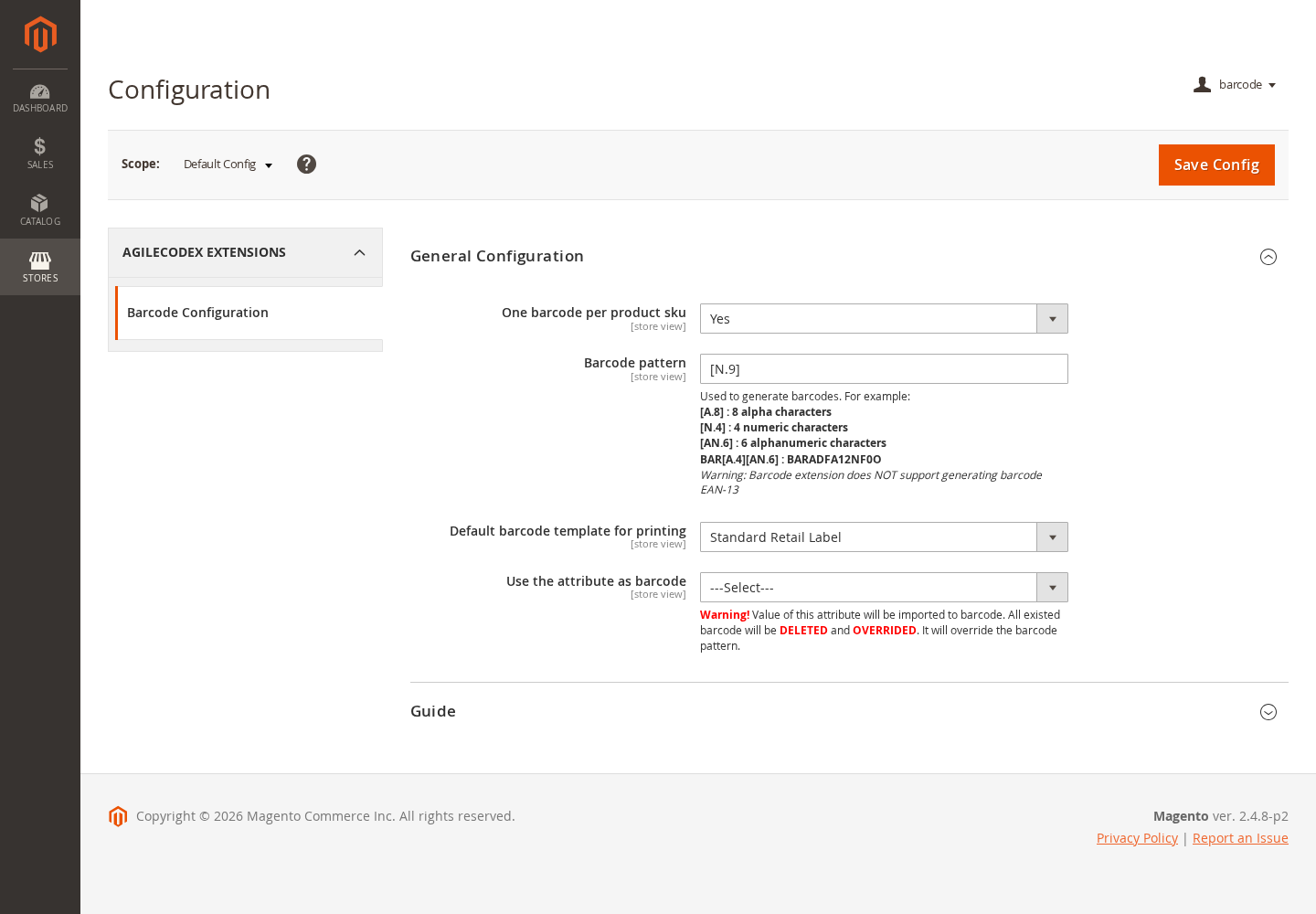
Barcode Configuration
Zoom In
Configuration Area
Zoom In
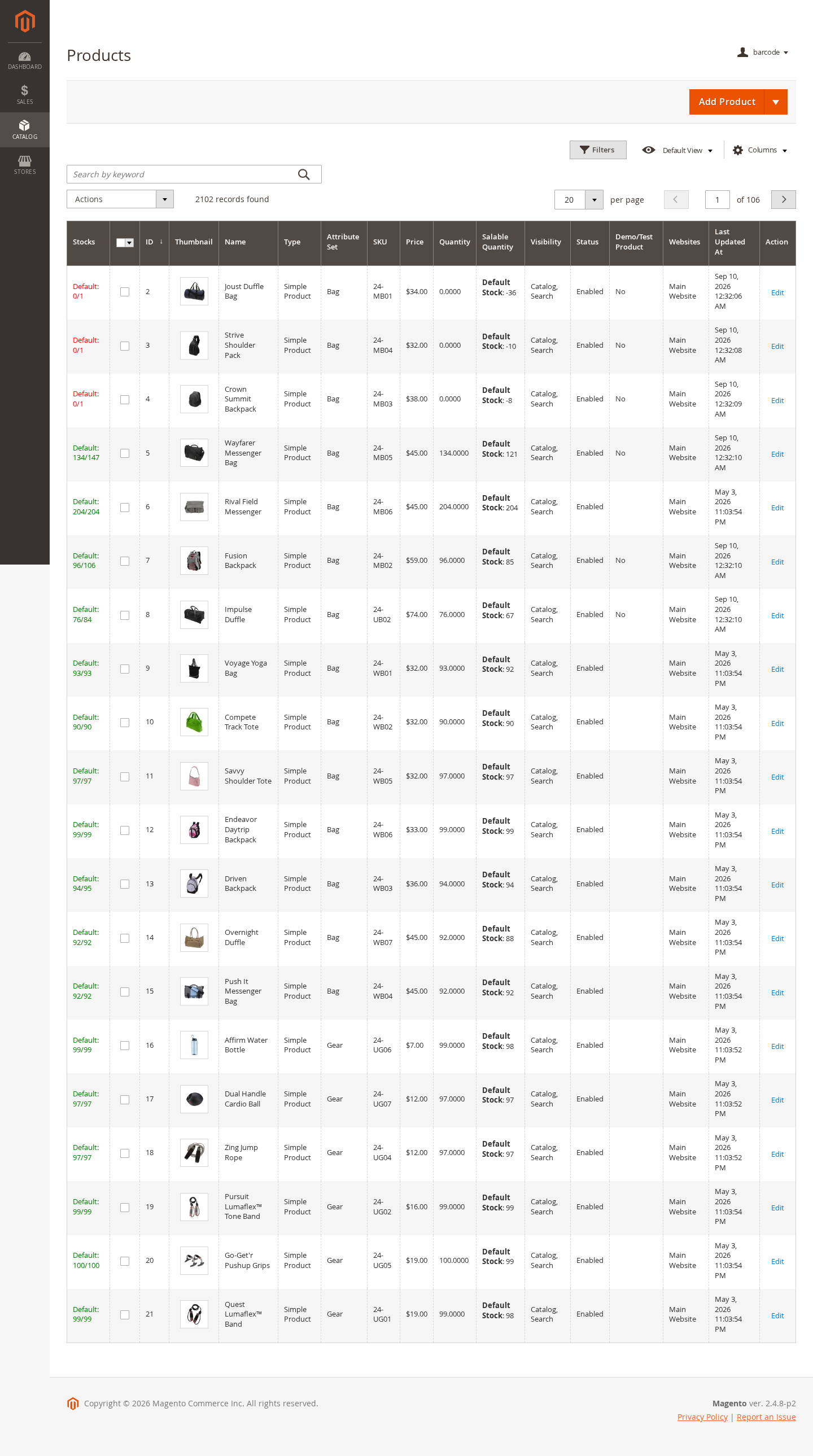
Catalog Integration