
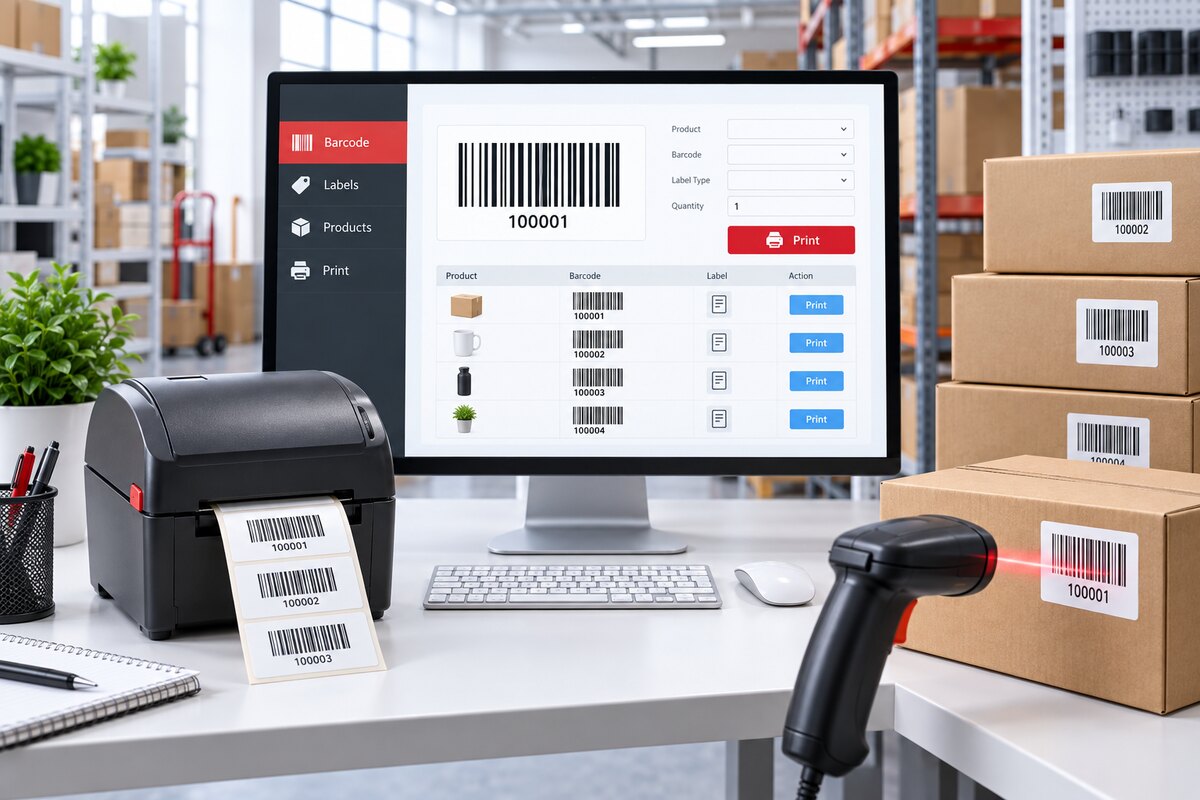
Magento 2 Barcode Generator Scanner Extension User Guide
Configure barcode generation, label templates, CSV import, barcode printing, and scanner-based product lookup in Magento 2.
Who This Guide Is For
This guide is for Magento administrators and operations teams who need to create product barcode records, print labels, import existing barcode data, and scan products for quick identification.
Features of the Barcode Extension
- Barcode Generation: Generate barcode values for selected products using configured patterns.
- Barcode Management: Review, filter, edit, export, and print barcode records from Magento admin grids.
- Label Templates: Configure reusable label layouts, barcode formats, paper sizes, margins, and product fields.
- Bulk Import: Import existing product barcode assignments from CSV.
- Print Workflow: Select barcode records and print labels with the required template and quantity.
- Scanner Lookup: Scan or enter a barcode to find the linked product and stock status.
- History Tracking: Review generated and imported barcode batches for operational traceability.
Configure Barcode Settings
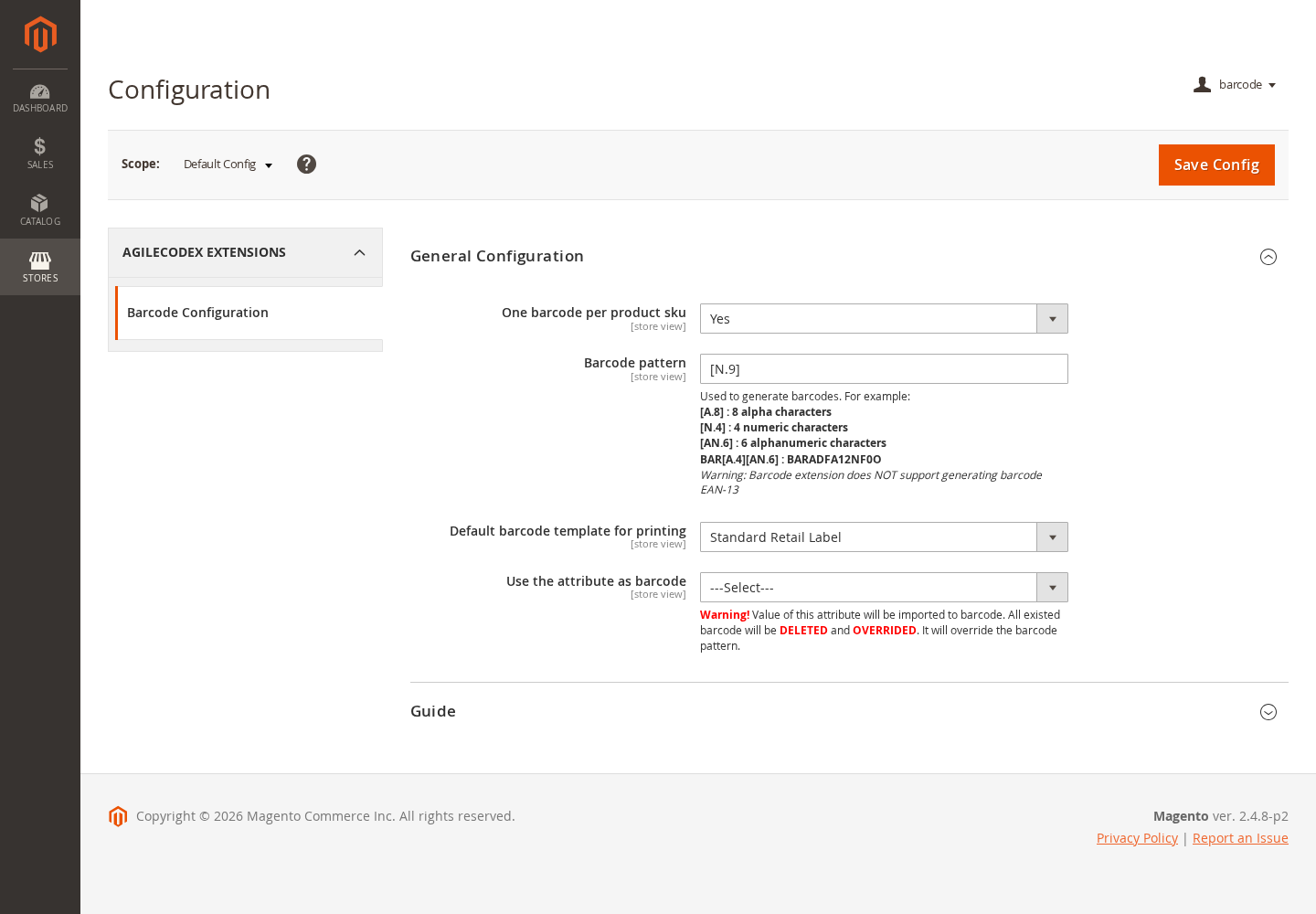
From Magento Admin, go to Stores > Configuration > Agile Codex > Barcode Configuration.
- Enable or disable barcode functionality.
- Choose whether each product SKU should use one barcode.
- Define the default generated barcode pattern.
- Select the default label template for printing.
- Optionally use a product attribute as the barcode source.
Create and Manage Barcode Records
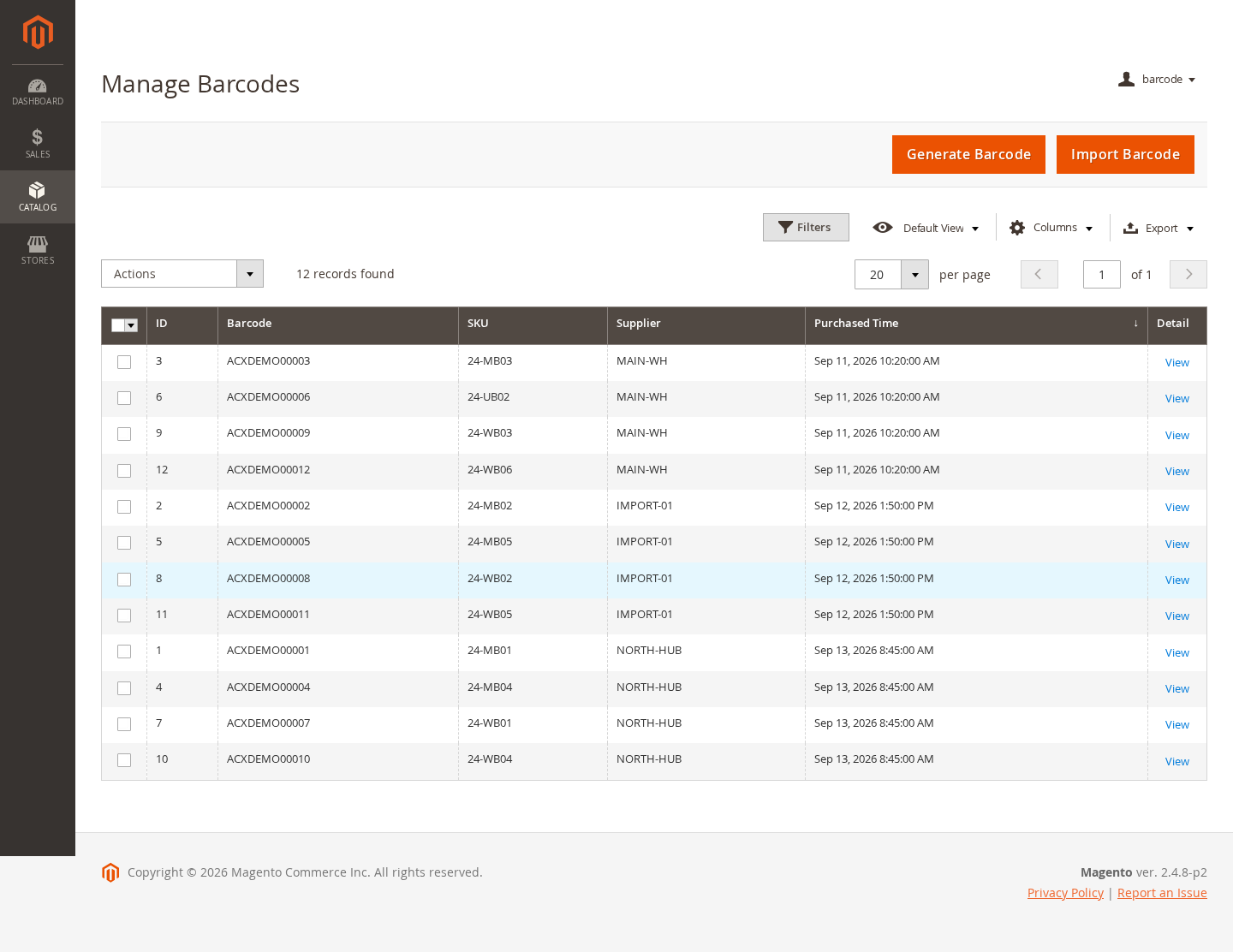
Open the barcode management grid to review existing barcode assignments and create new barcode records.
- Filter the grid by barcode, SKU, supplier, ID, or purchase date.
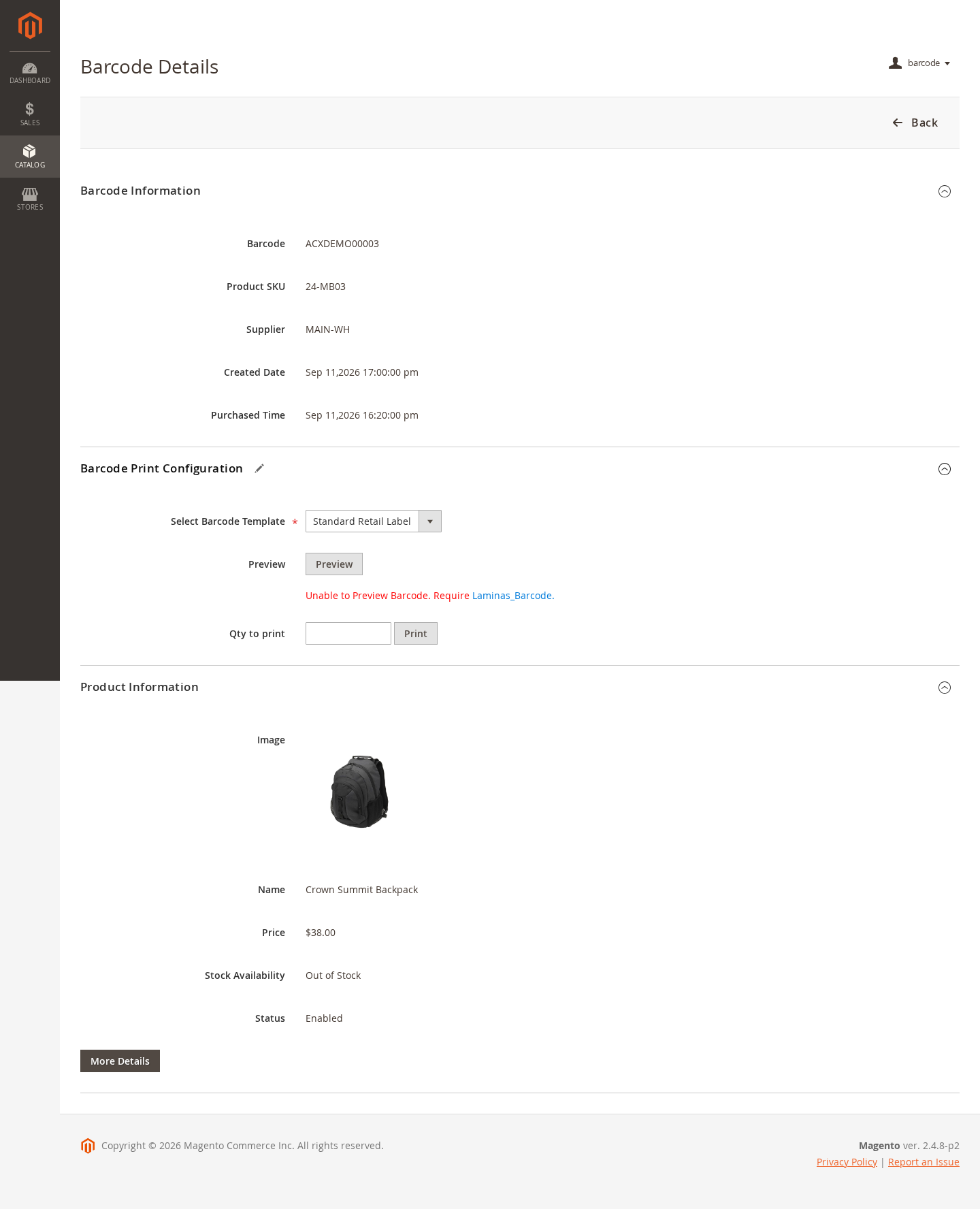
- Open a barcode record to review the linked product and metadata.
- Use grid mass actions to print selected barcode labels.
- Export grid data when you need an operational barcode report.
Generate Barcodes for Products
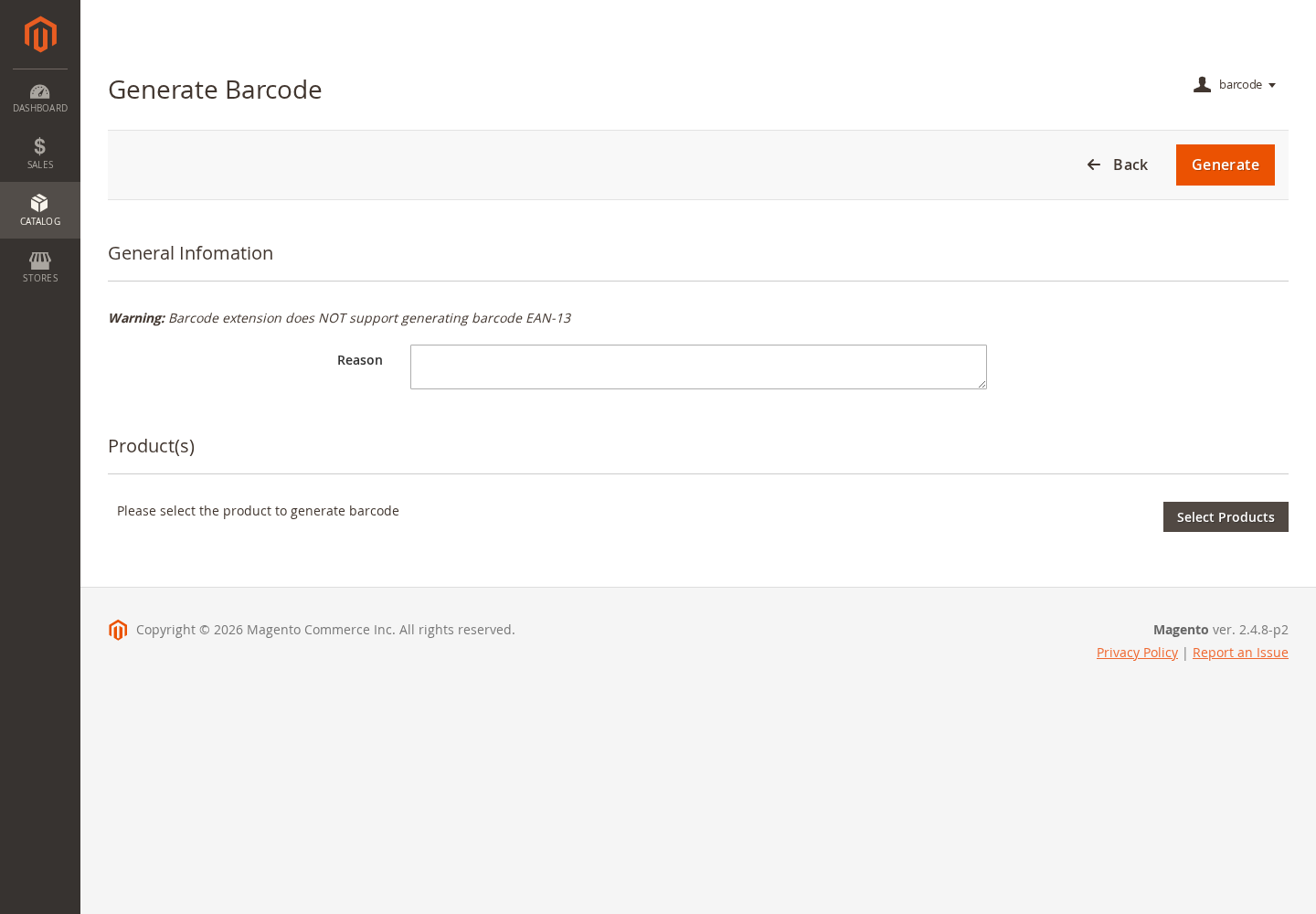
- Open the barcode generation screen.
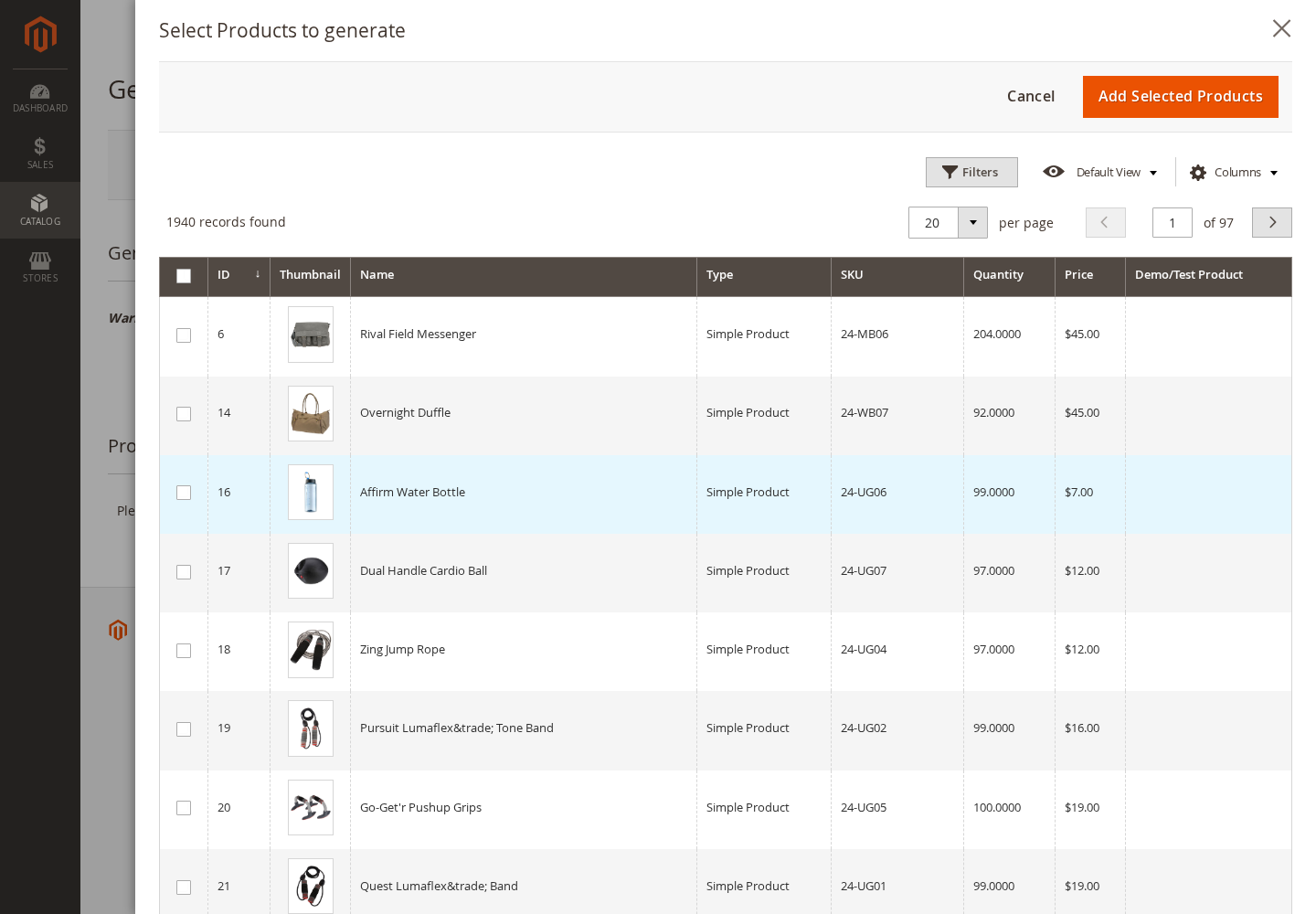
- Select the products that need generated barcode values.
- Confirm the quantity and reason for the generation event.
- Generate the barcode batch and review the result in generation history.
You can also generate barcode values for selected catalog products from the product grid when that workflow is enabled.
Review Generation and Import History
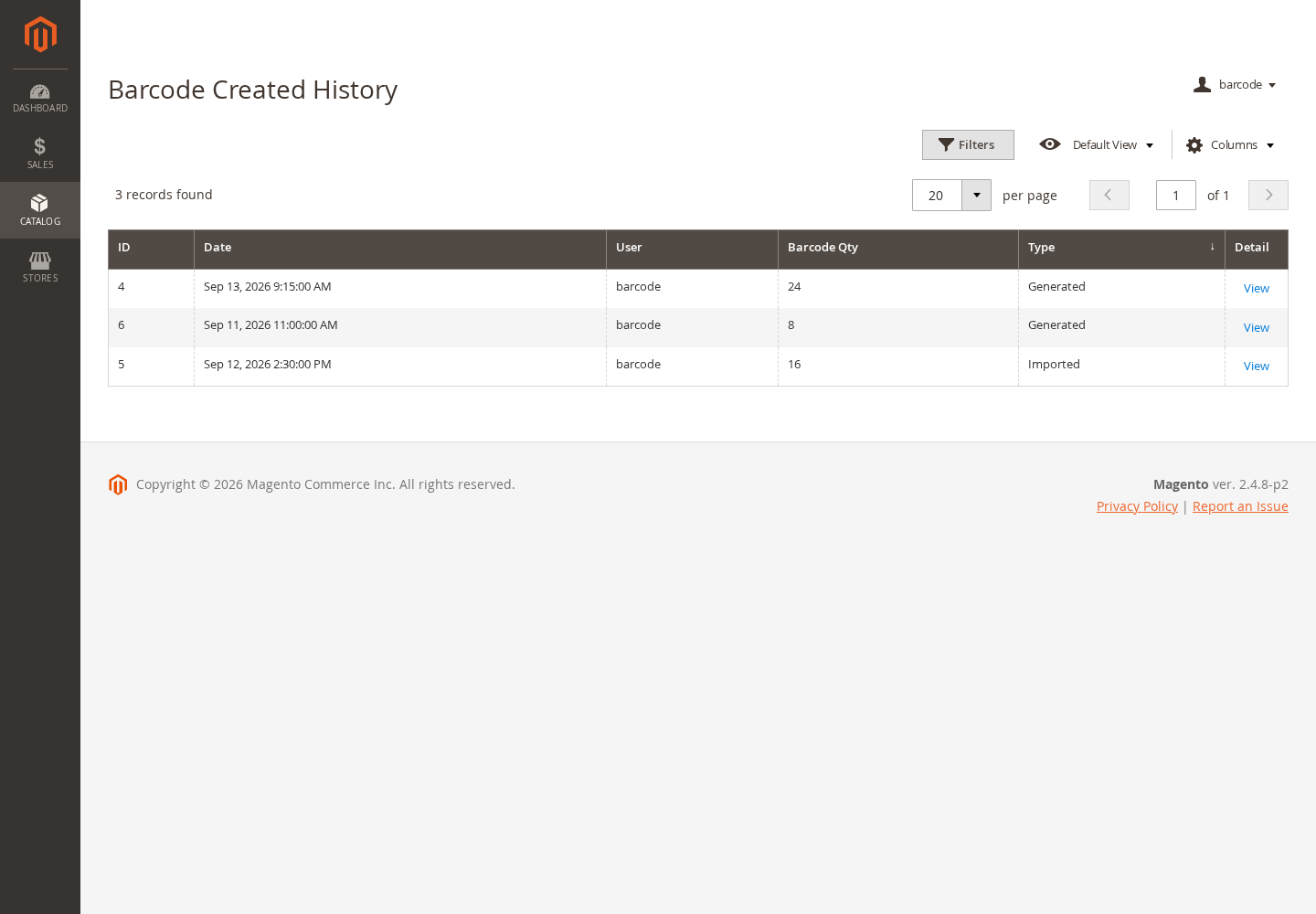
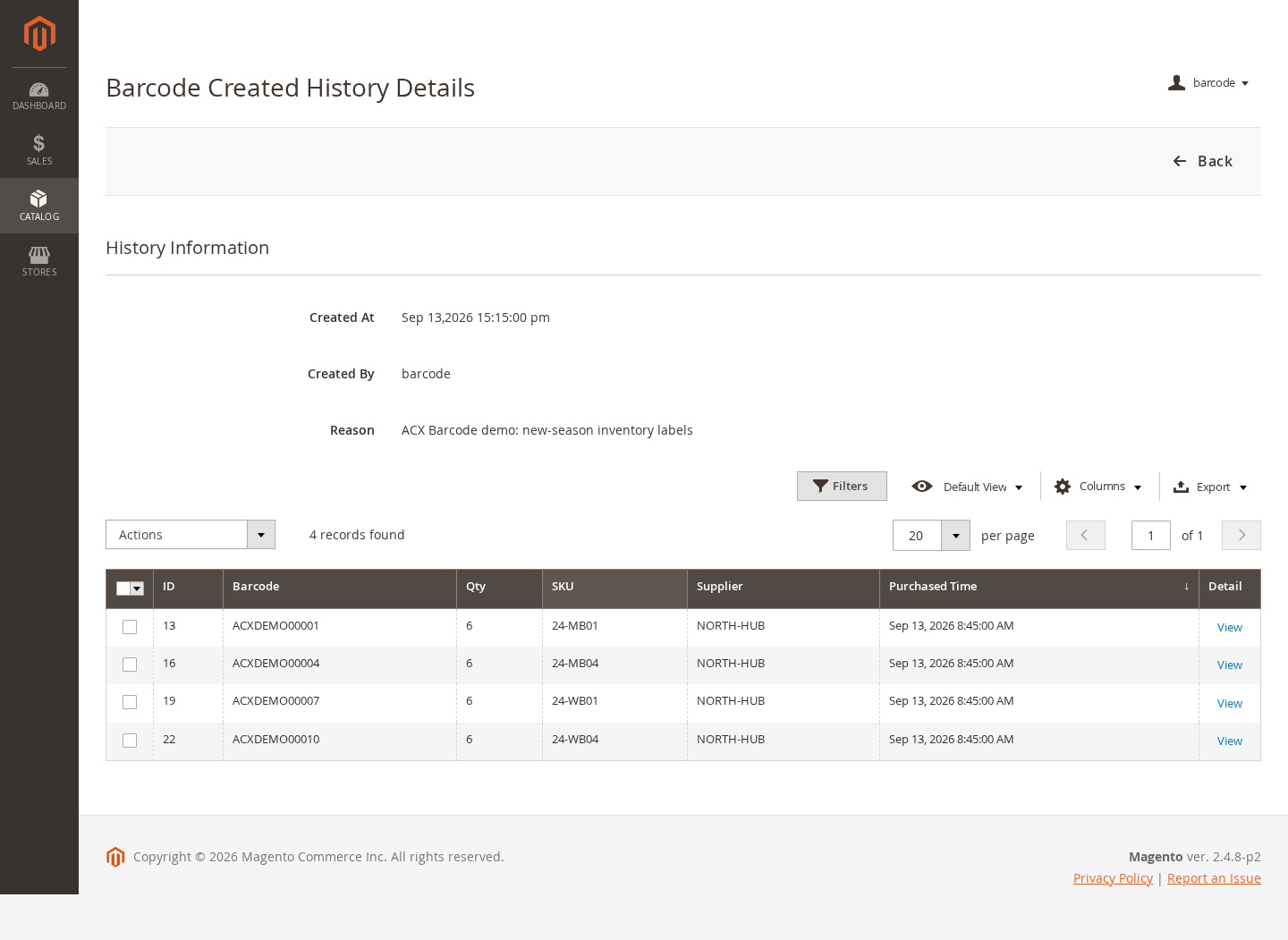
Barcode history records generated and imported barcode batches so administrators can trace when barcode values were created and which products were included.
- Review batch date, administrator, quantity, and operation type.
- Open the batch detail screen for barcode, SKU, supplier, quantity, and purchase information.
- Use the batch record for follow-up label printing where supported.
Import Existing Barcode Data
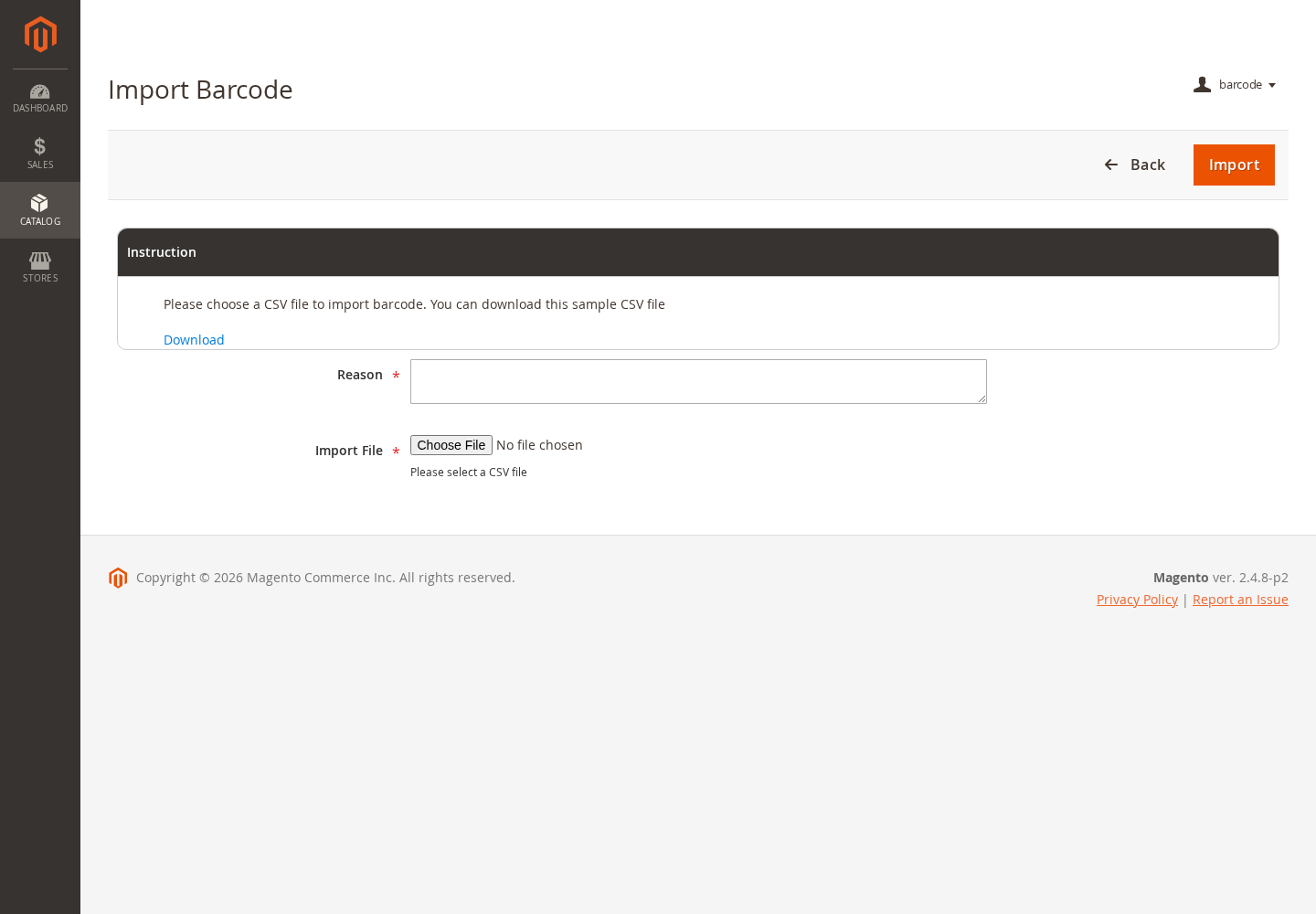
- Download the sample CSV file and prepare your barcode data in the expected format.
- Upload the completed CSV from the barcode import screen.
- Review validation messages and correct any rejected rows.
- Confirm successful imports from the barcode listing and history screens.
Create Label Templates
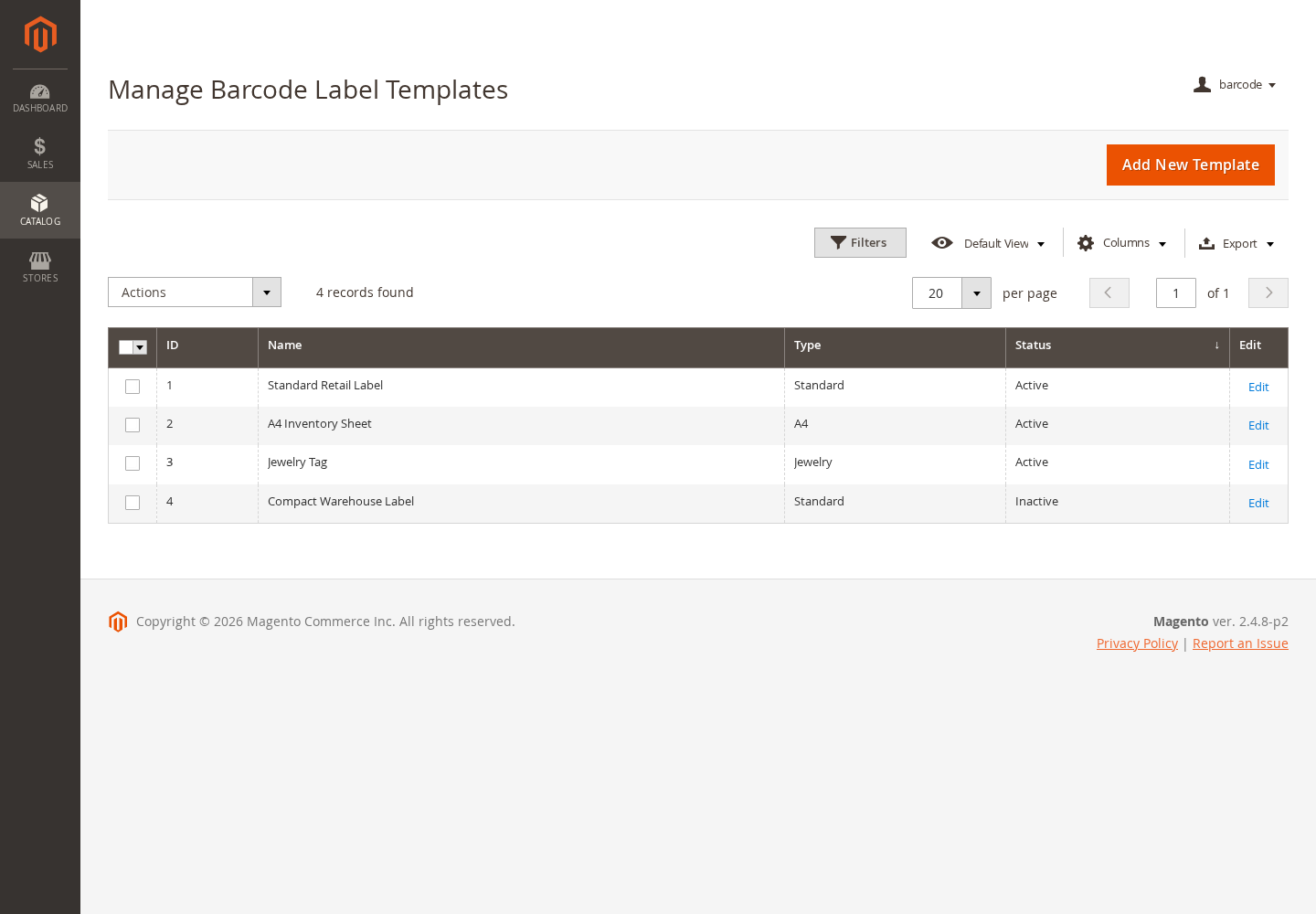
Label templates control how barcode labels are rendered for printing.
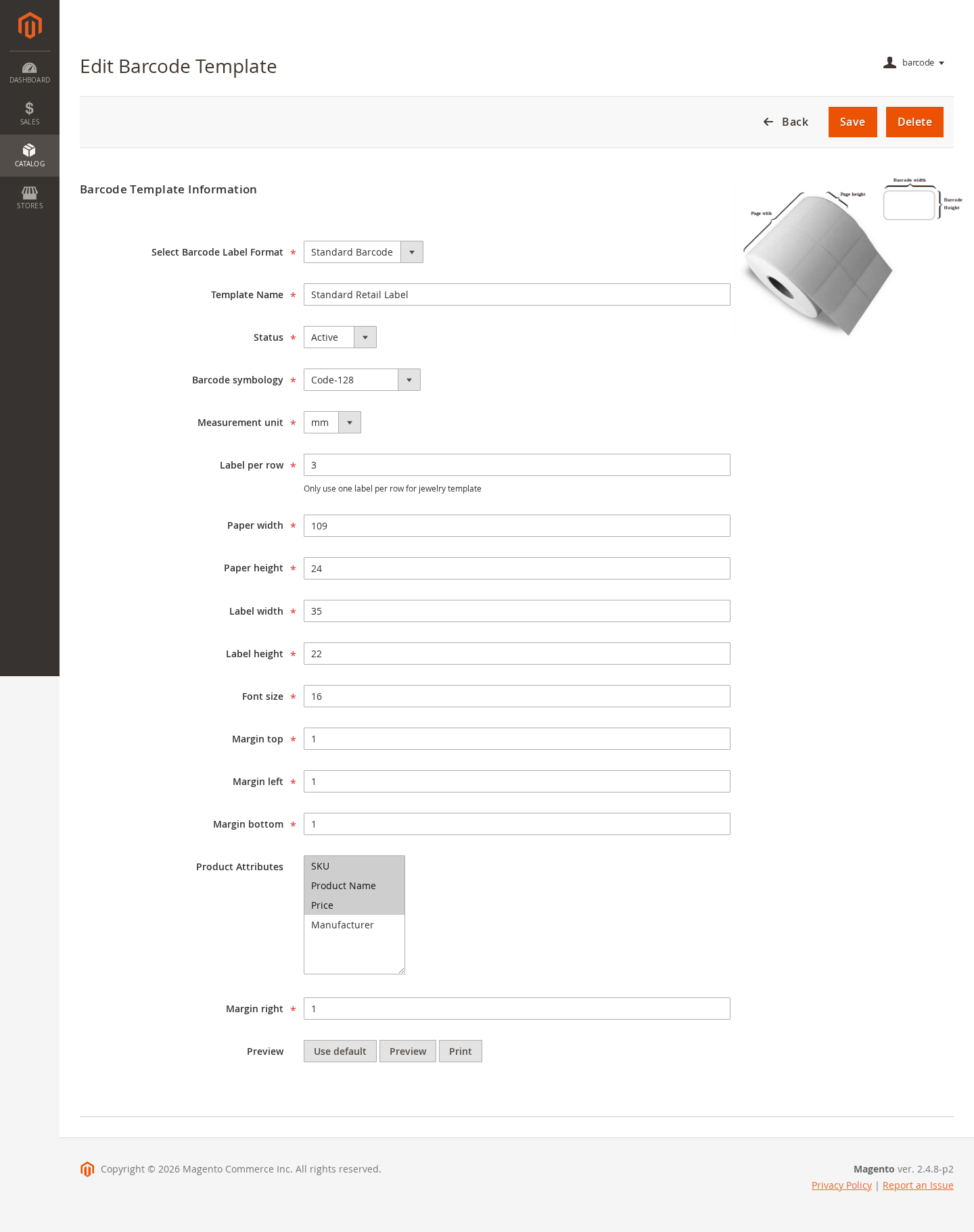
- Choose the barcode format, such as Code 128, Code 39, EAN-13, ITF-14, or another supported format.
- Set paper width, paper height, label width, label height, and margins.
- Choose product fields such as product name, SKU, and price.
- Enable or disable templates according to the labels used by staff.
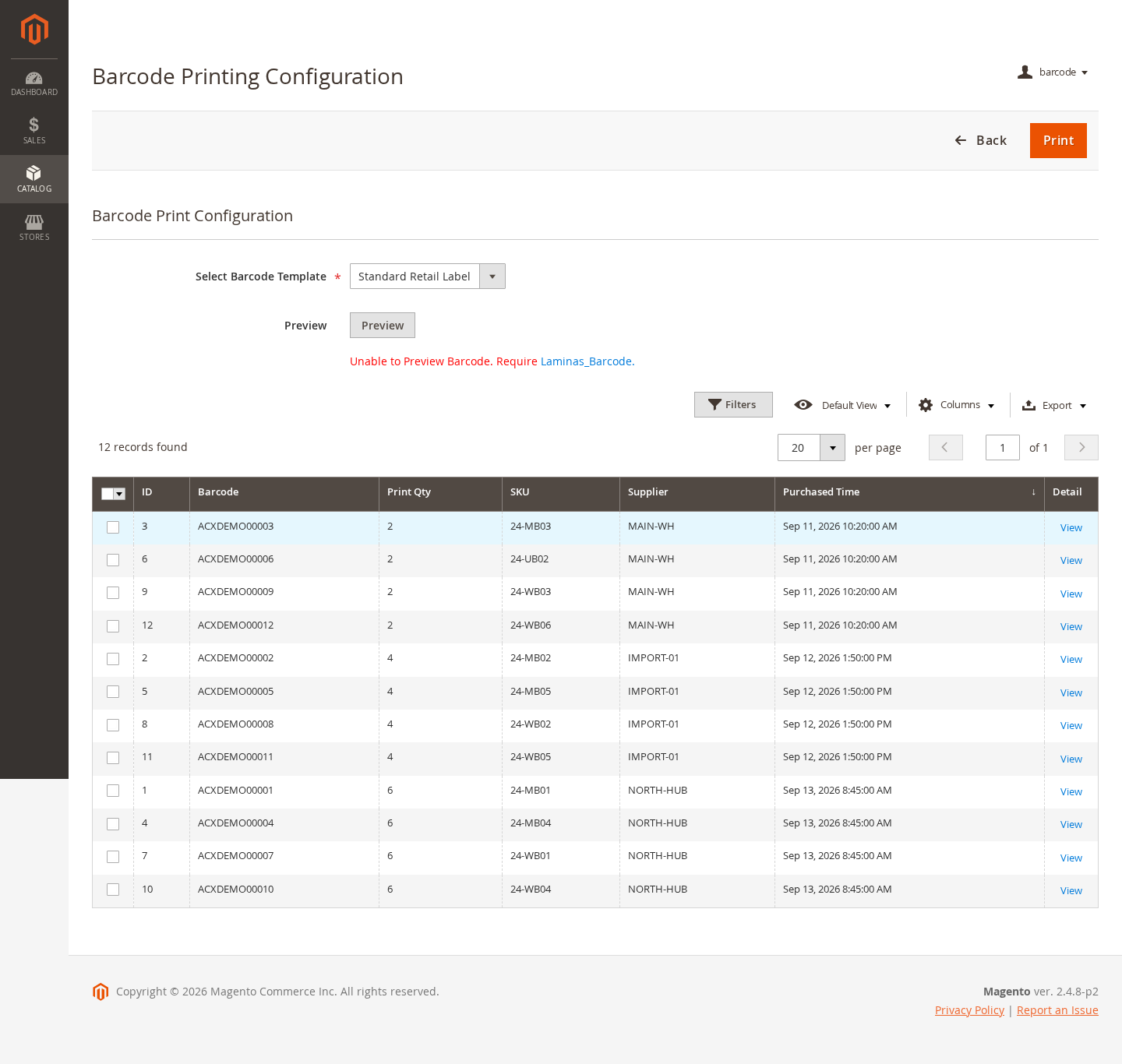
Print Barcode Labels
- Select one or more barcode records.
- Choose the label template.
- Set the number of copies when needed.
- Open the print view and print through the browser using the configured printer and paper.
Scan a Barcode to Find a Product
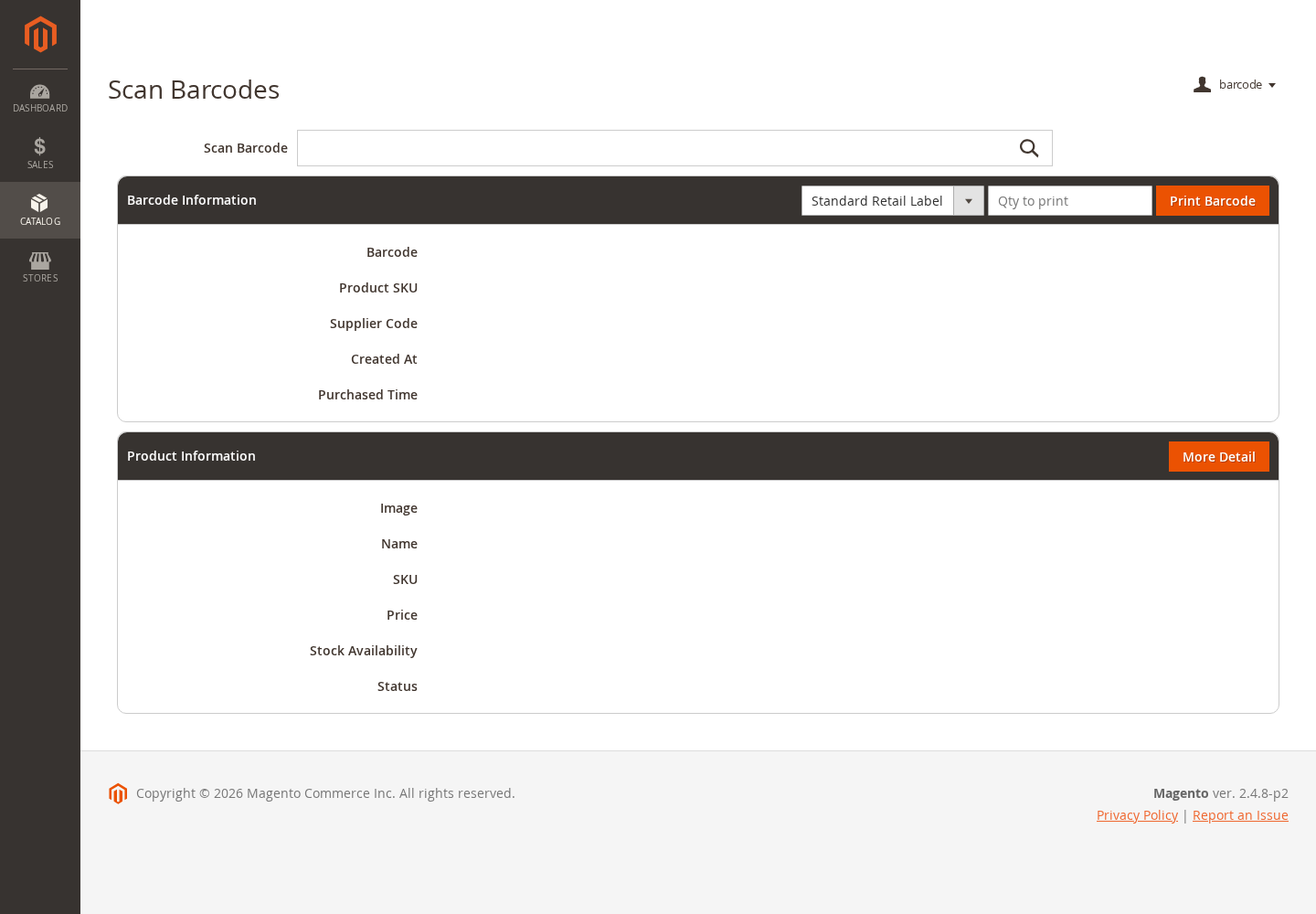
Use the scanner lookup screen with a keyboard-compatible USB or wireless scanner, or enter the barcode value manually.
- Find the product linked to the scanned barcode value.
- Review product name, image, price, weight, color, status, and stock availability.
- Review barcode quantity, supplier code, creation date, and purchase date.
- Open the related Magento product record or print another label when needed.
Catalog and Sales Workflows
The extension connects barcode records with Magento catalog products and supported order workflows without replacing Magento inventory management.
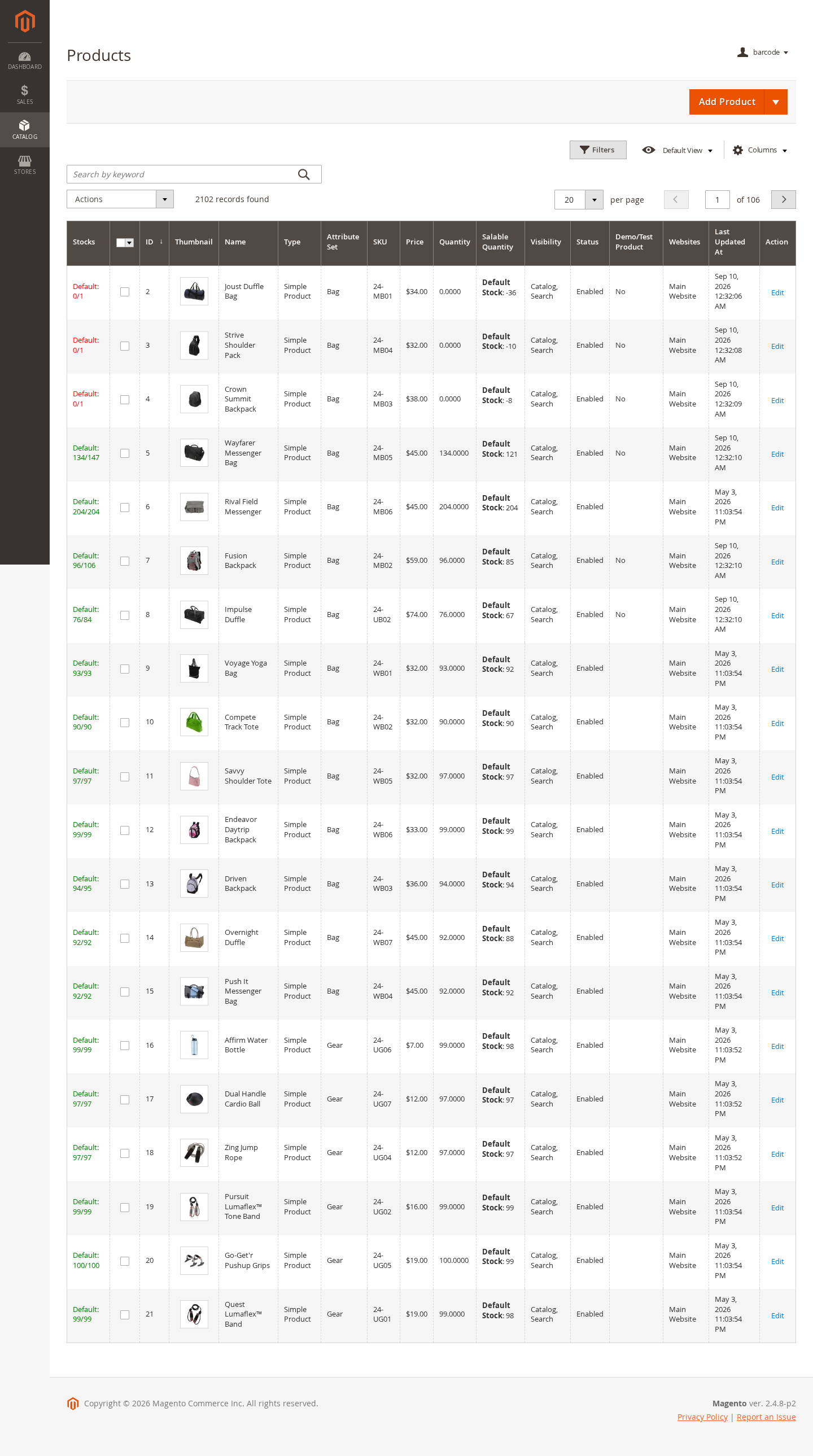
- Generate or print barcode labels from supported Catalog product selections.
- Use product-grid actions where available to work with selected catalog products.
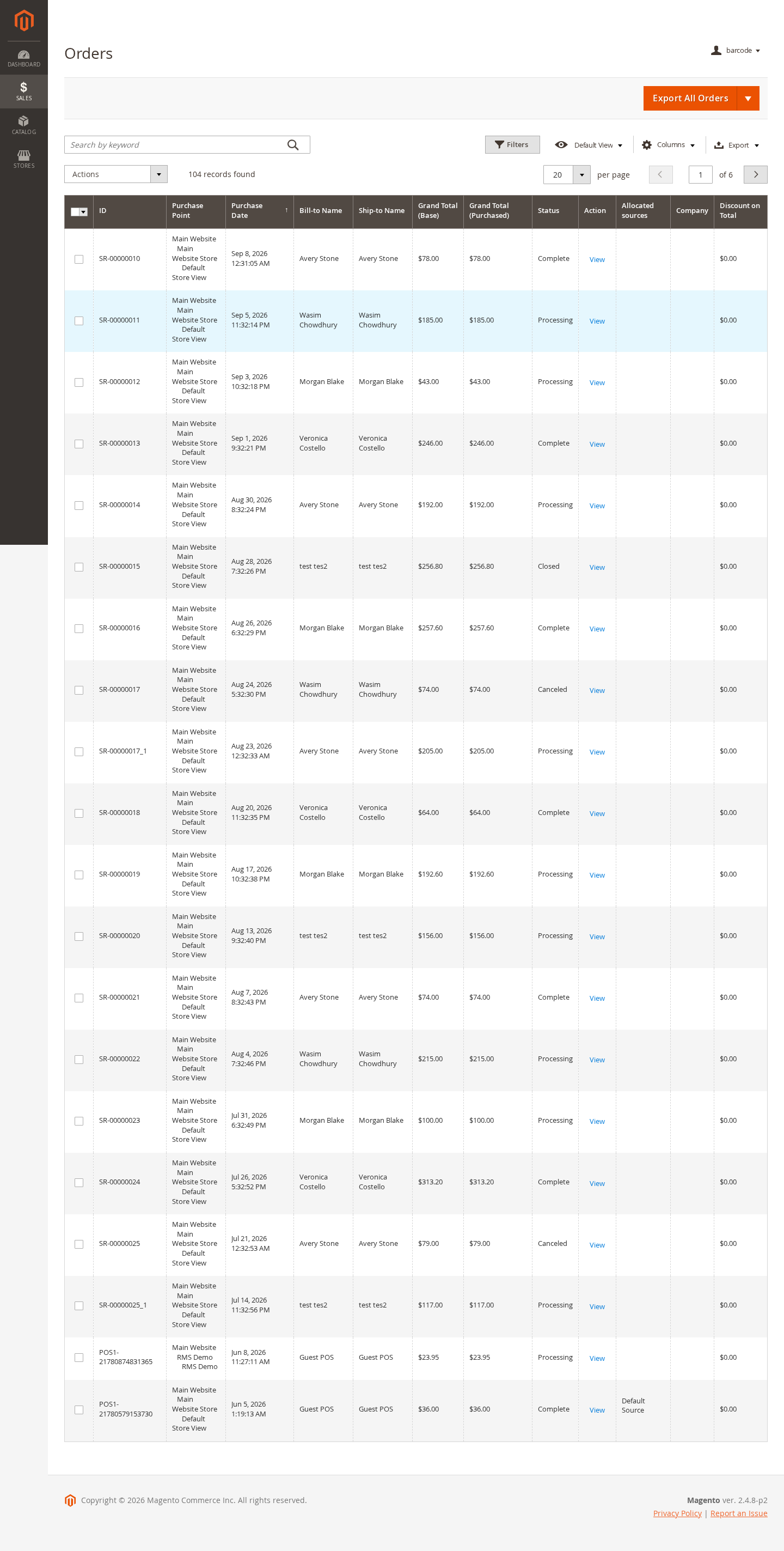
- Reference barcode information while reviewing order or fulfillment-related records.
- Continue using Magento Inventory or MSI for stock adjustments, reservations, and source quantities.
Installation and Verification
Install and test the extension on a development or staging environment before production.
- Copy the supplied extension package into your Magento installation according to your deployment process.
- Run php bin/magento setup:upgrade.
- Run php bin/magento setup:di:compile in production mode.
- Deploy static content when required for the active locale and theme.
- Run php bin/magento cache:flush.
- Confirm that barcode menus, configuration, label templates, generation, import, print, and scanner lookup screens are available for the assigned admin role.
Troubleshooting
- Barcode is not generated: Check product selection, barcode pattern configuration, duplicate values, and admin permissions.
- Imported rows are rejected: Confirm SKU values, barcode uniqueness, required CSV columns, and file format.
- Print output is misaligned: Review template paper size, label dimensions, margins, labels per row, browser scaling, and printer settings.
- Scanner does not find a product: Confirm the scanner sends the same barcode value stored in Magento and that the barcode record is linked to the expected product.
- Staff cannot access screens: Review Magento admin role permissions for barcode listing, generation, import, label templates, print, scan, history, and configuration.