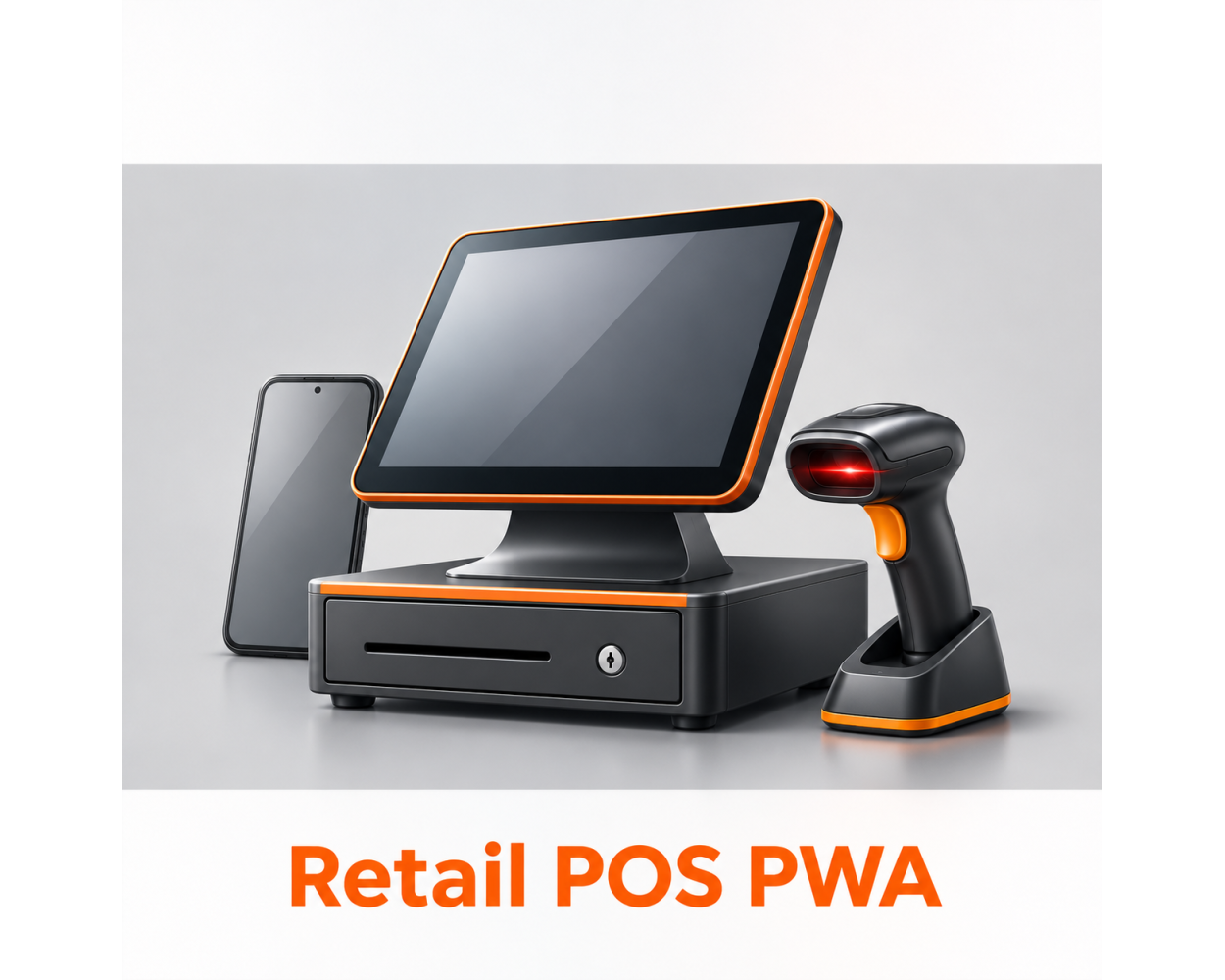
This is a digital Magento 2 extension. No physical product will be shipped.
Download access will be provided after successful payment.
Retail POS PWA for Magento 2
From $299.00
To $369.00
In stock
A browser-based retail counter for Magento 2, built as a Progressive Web App.
Bring product lookup, customer selection, cart preparation and cashier workflows into one Retail POS workspace.
ACx Retail POS PWA connects your counter to Magento products, customer records, orders and inventory sources. Install the app on supported devices and keep a local catalog and sale drafts available during connection interruptions.
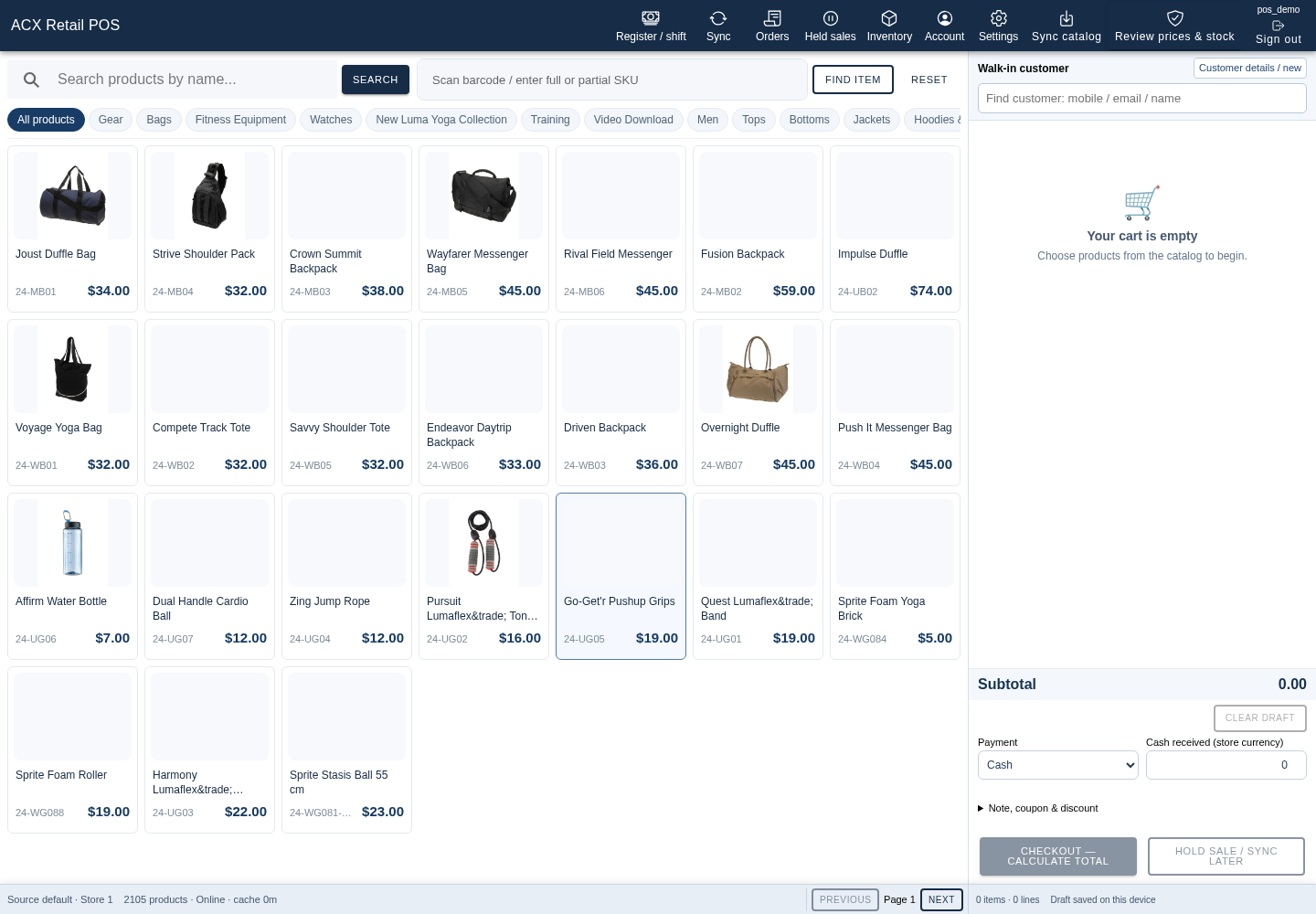
- Browse products by category, search by name, or find an item by SKU or barcode
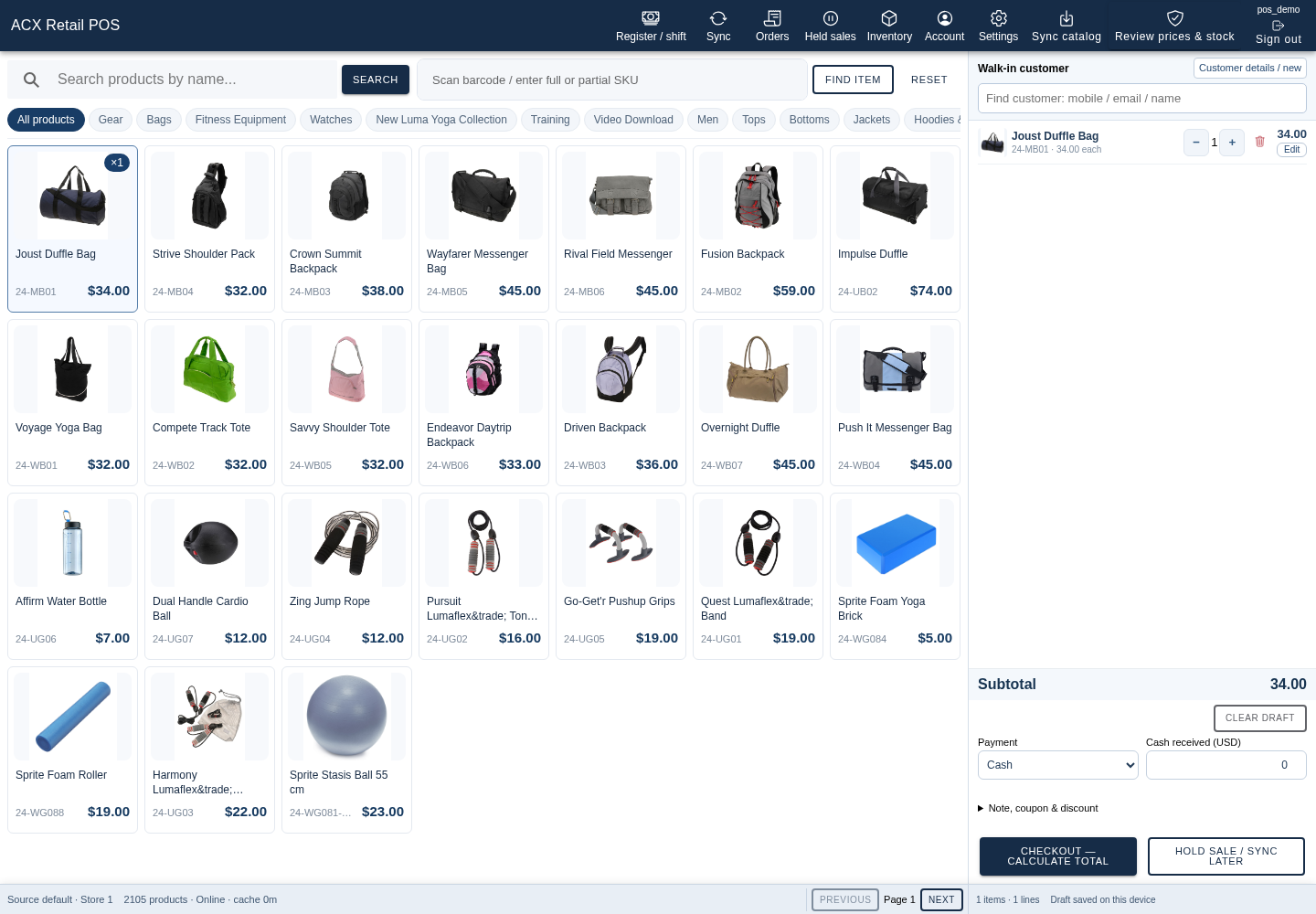
- Build a cart for a walk-in or existing customer
- Review current prices and stock before checkout
- Use cash and unpaid counter workflows with Magento order records
- Hold sale drafts and return to them later
- Track cashier shifts and review cash reports
- Scope employee access to selected stores and inventory sources
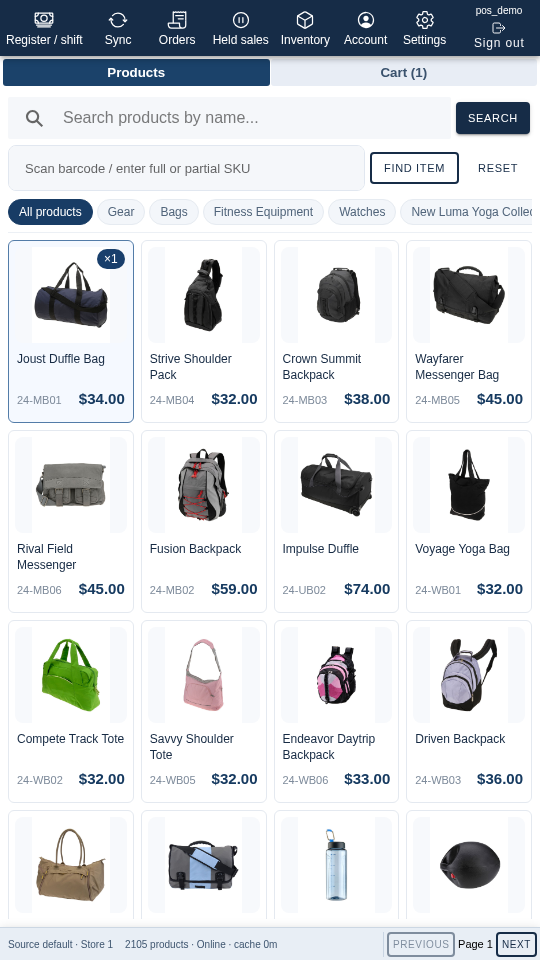
- Use a responsive PWA workspace on desktop and mobile devices
This is a digital Magento 2 extension. No physical product will be shipped.
Download access will be provided after successful payment.
Magento 2 Retail POS PWA
Read the Retail POS PWA User Guide
Give counter staff a dedicated workspace for serving customers. ACx Retail POS PWA brings Magento catalog browsing, customer lookup, cart preparation, order history and cashier tools into a responsive application. Employee permissions and store/source assignments control the information and actions available to each operator.
Find products and build the sale
Keep product selection and the current cart visible together. Browse categories, search by product name, or use the SKU/barcode field to find an item.
- Product cards show names, SKUs and prices.
- Add products to the cart and adjust quantities.
- Review current prices and salability before completing a sale.
Serve walk-in and registered customers
Start with the configured walk-in customer identity or search for an existing customer. Authorized employees can use customer-management tools from the counter workspace.
- Search customers by mobile number, email or name.
- Keep customer selection alongside the sale.
- Control customer actions through employee permissions.
Cash and unpaid counter workflows
Prepare counter transactions against Magento's current totals. Cash-related operations use explicit cashier confirmation and the permissions assigned to the employee.
- Work with cash or unpaid counter sales.
- Use Magento order records and receipts.
- Access permitted order actions from the order workspace.
Cashier shifts and cash reporting
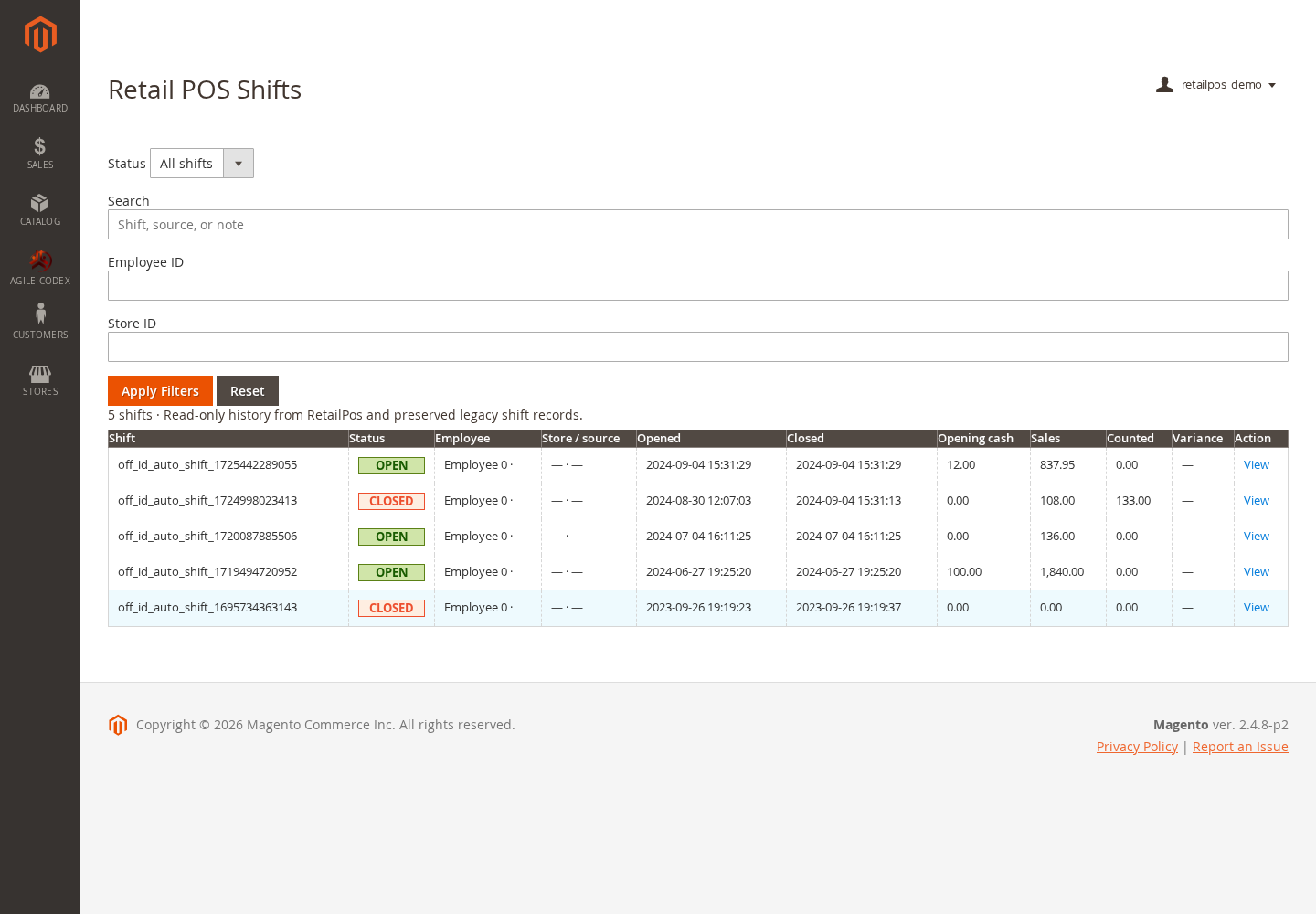
Use register and shift tools to organize counter activity. Managers can review Retail POS shift history and cash reports from Magento Admin.
- Control register access by employee permission.
- Configure coin and note denominations through the companion cash tools.
- Review shift records from the Retail POS admin menu.
Store and inventory-source access
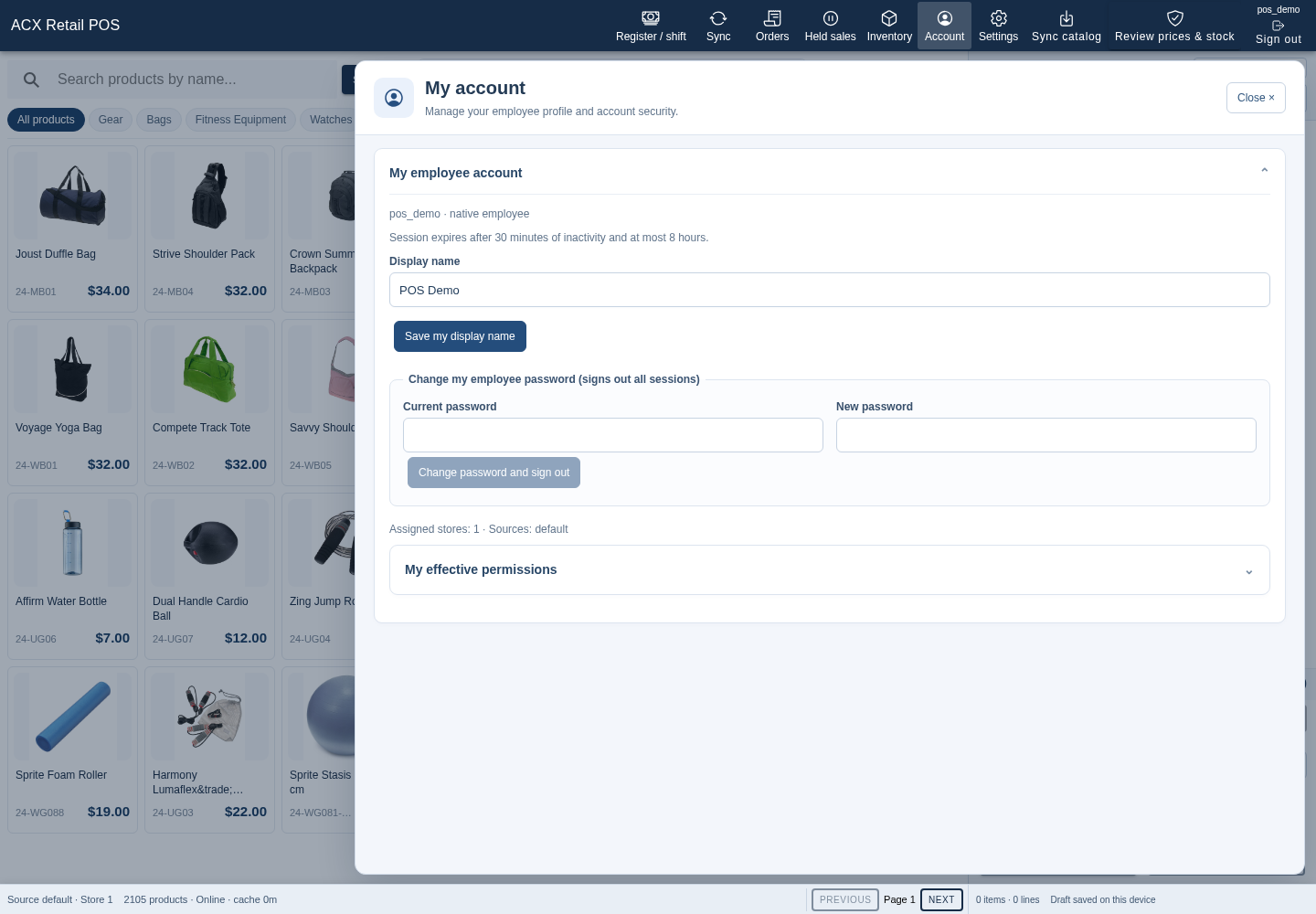
Assign employees to the stores and Magento inventory sources they serve. The workspace displays its selected store and source so staff can identify their working scope.
- Browse the catalog within the assigned store scope.
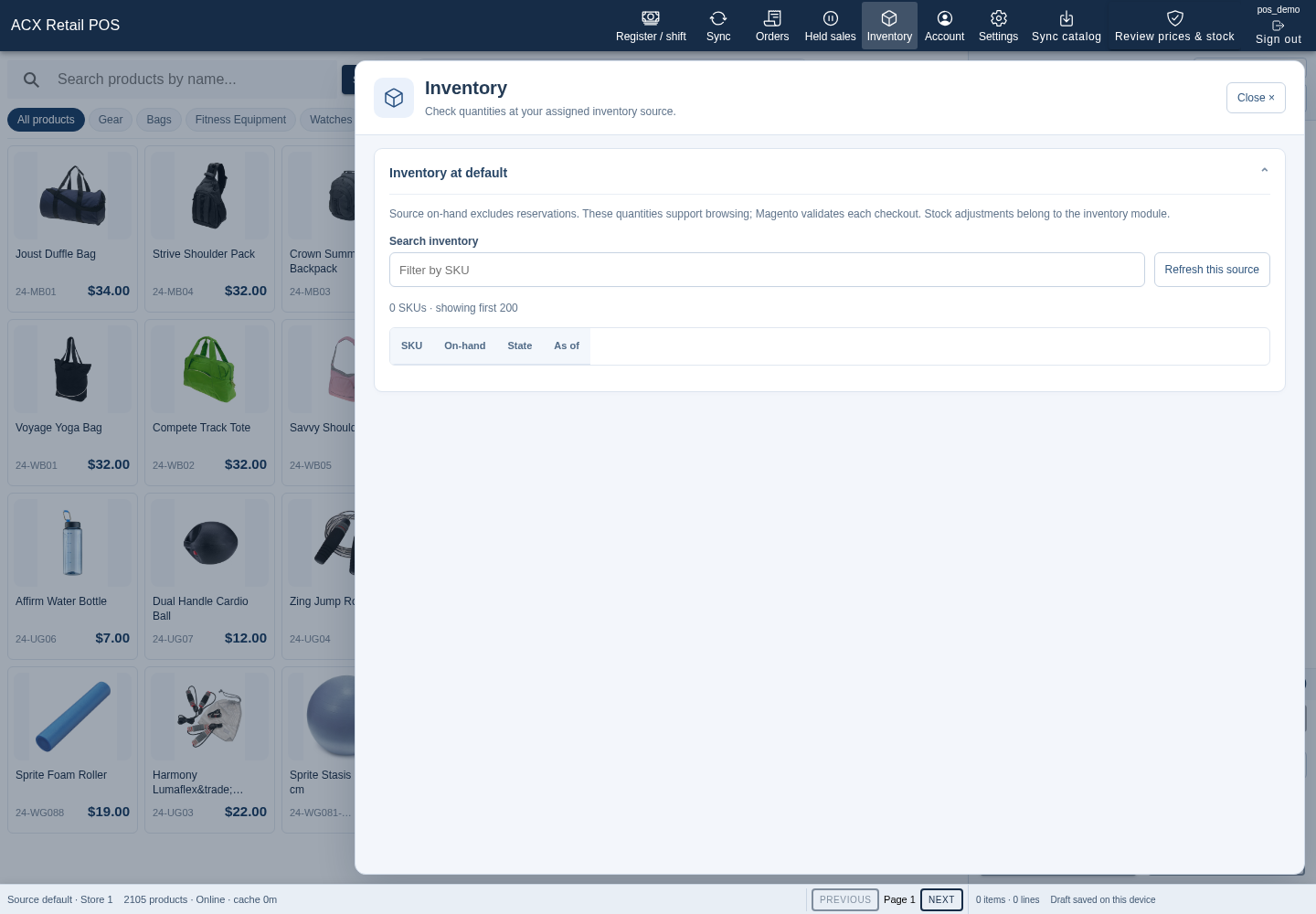
- View inventory information when authorized.
- Review live salability before checkout; cached stock remains a reference snapshot.
Installable PWA and local drafts
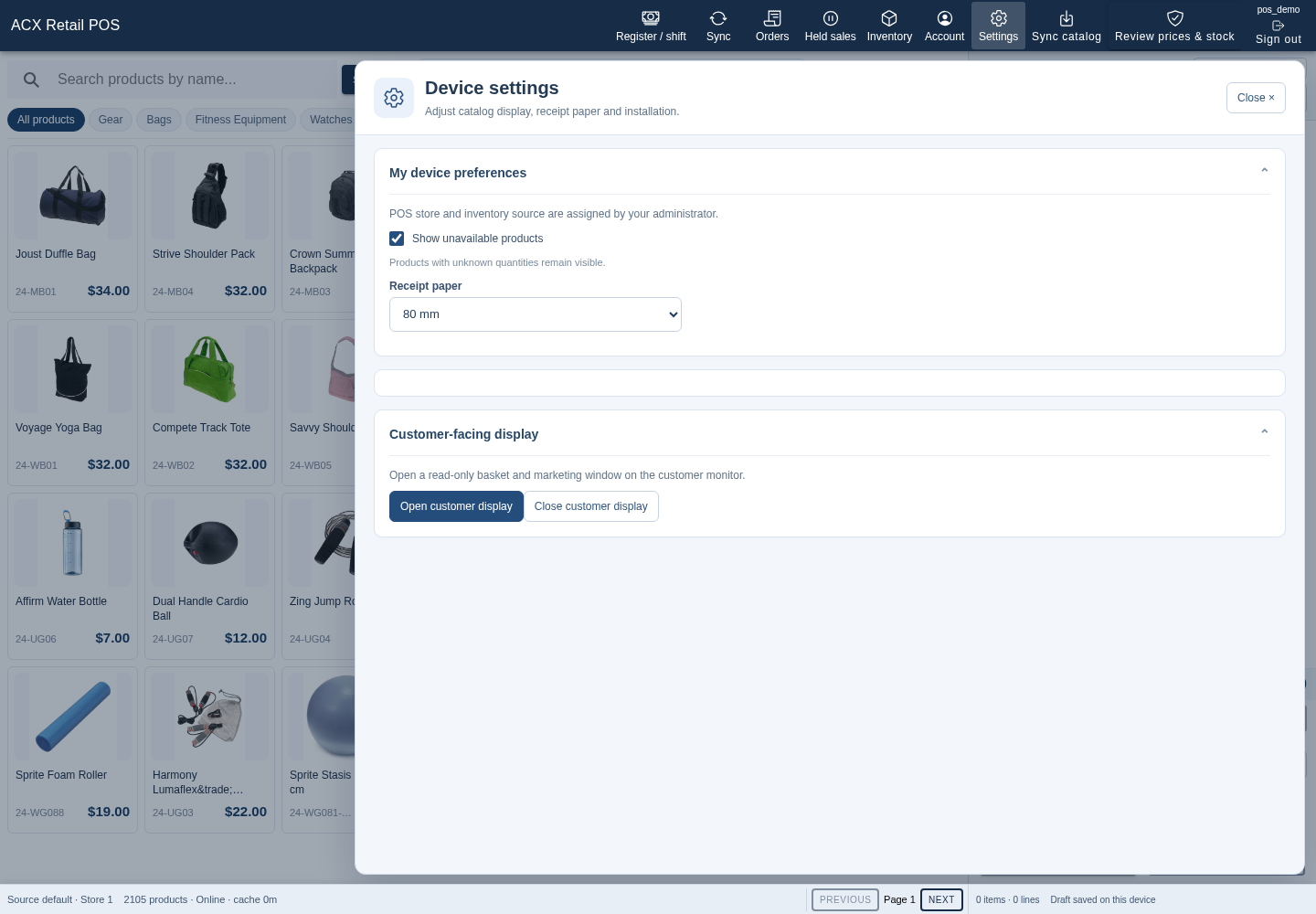
Open Retail POS over HTTPS in a supported browser and install it when the browser offers installation. Catalog synchronization and local drafts help staff prepare work during interrupted connectivity.
- Use a responsive desktop or mobile layout.
- Hold sale drafts for later work.
- Review pending synchronization and reconnect before server-dependent actions.
Offline drafts do not guarantee stock or final pricing. Checkout and financial operations depend on the configured workflow, employee permissions and server validation.
Employee permissions and administration
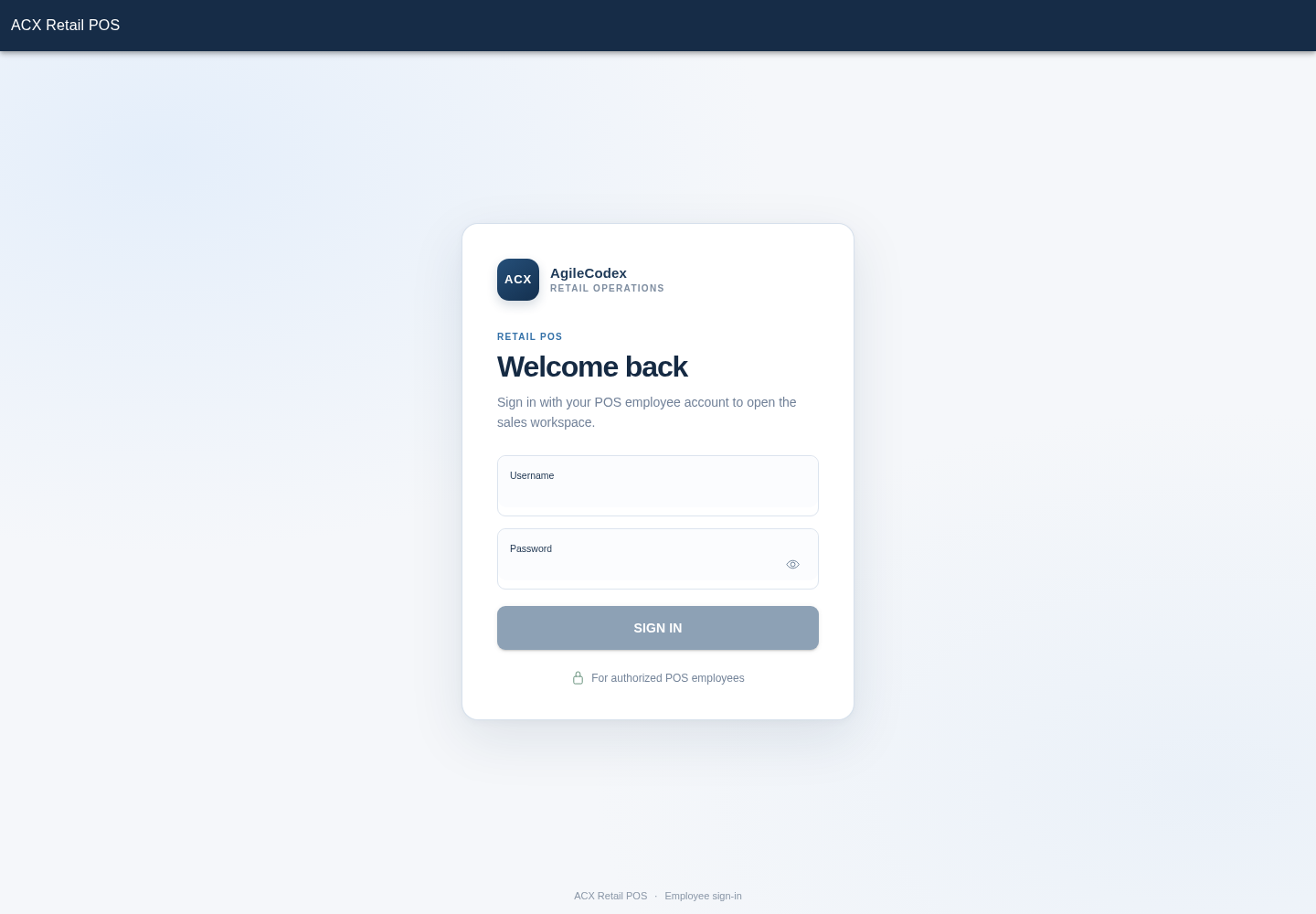
Retail POS employees use their own sign-in. Magento Admin roles separately control configuration, operator assignments and report access. Give cashiers the tools needed for their counter duties and provide managers with the relevant administrative resources.
Try the demo
Employee: pos_demo
Password: PosDemo!Shop
Sign in, browse products, add an item and review the cart. Use the demo's Store 1 and default inventory source.