ACx Retail POS PWA User Guide
← Retail POS PWA product overview
This guide introduces the Retail POS PWA workspace for employees and managers. Available actions depend on your permissions and assigned store and inventory source.
Demo employee: pos_demo
Demo password: PosDemo!Shop
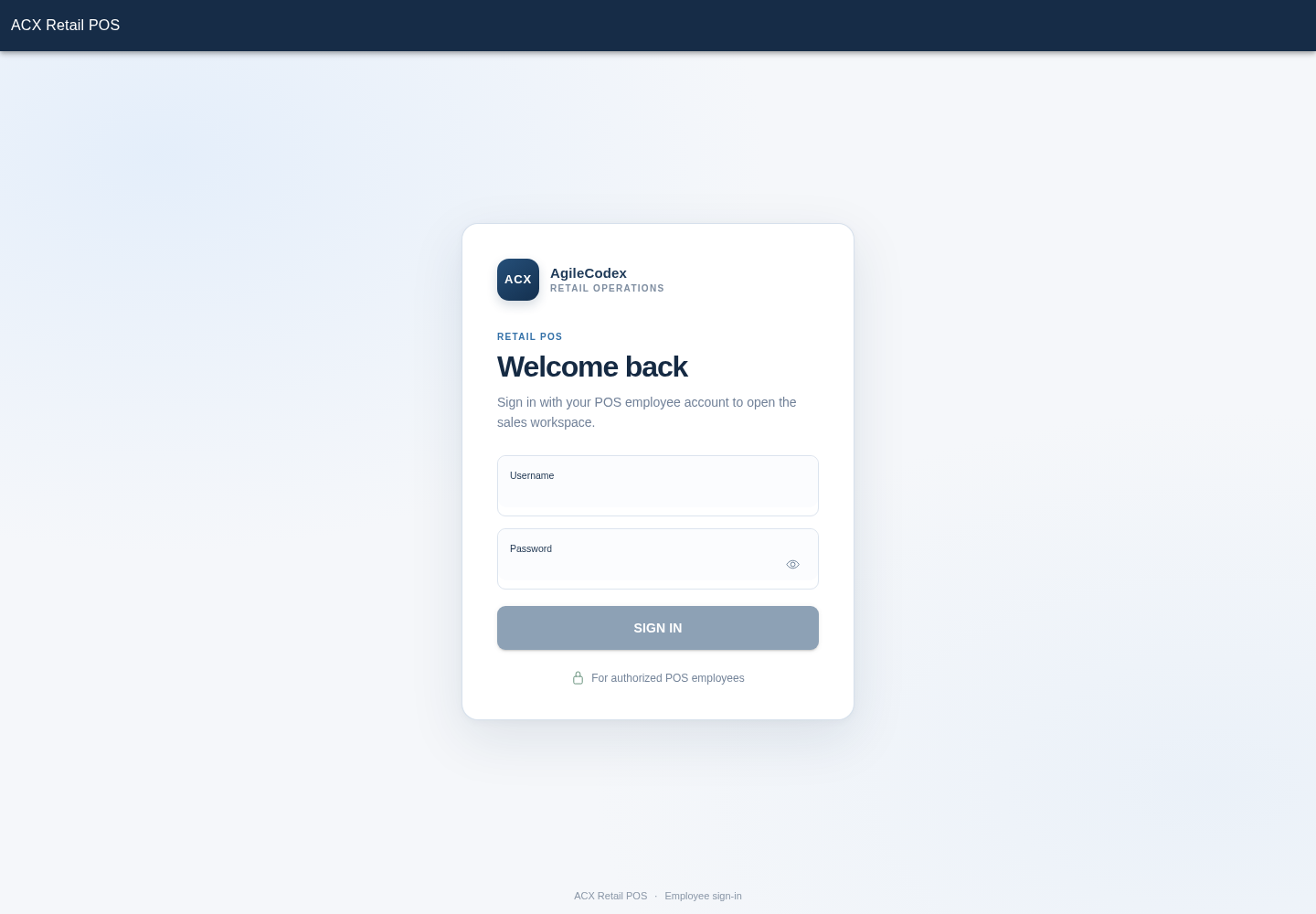
Sign in and choose your workspace
Open the POS URL and sign in with your employee account. In the demo, use the employee credentials above. Check the store and inventory source shown in the workspace before starting.
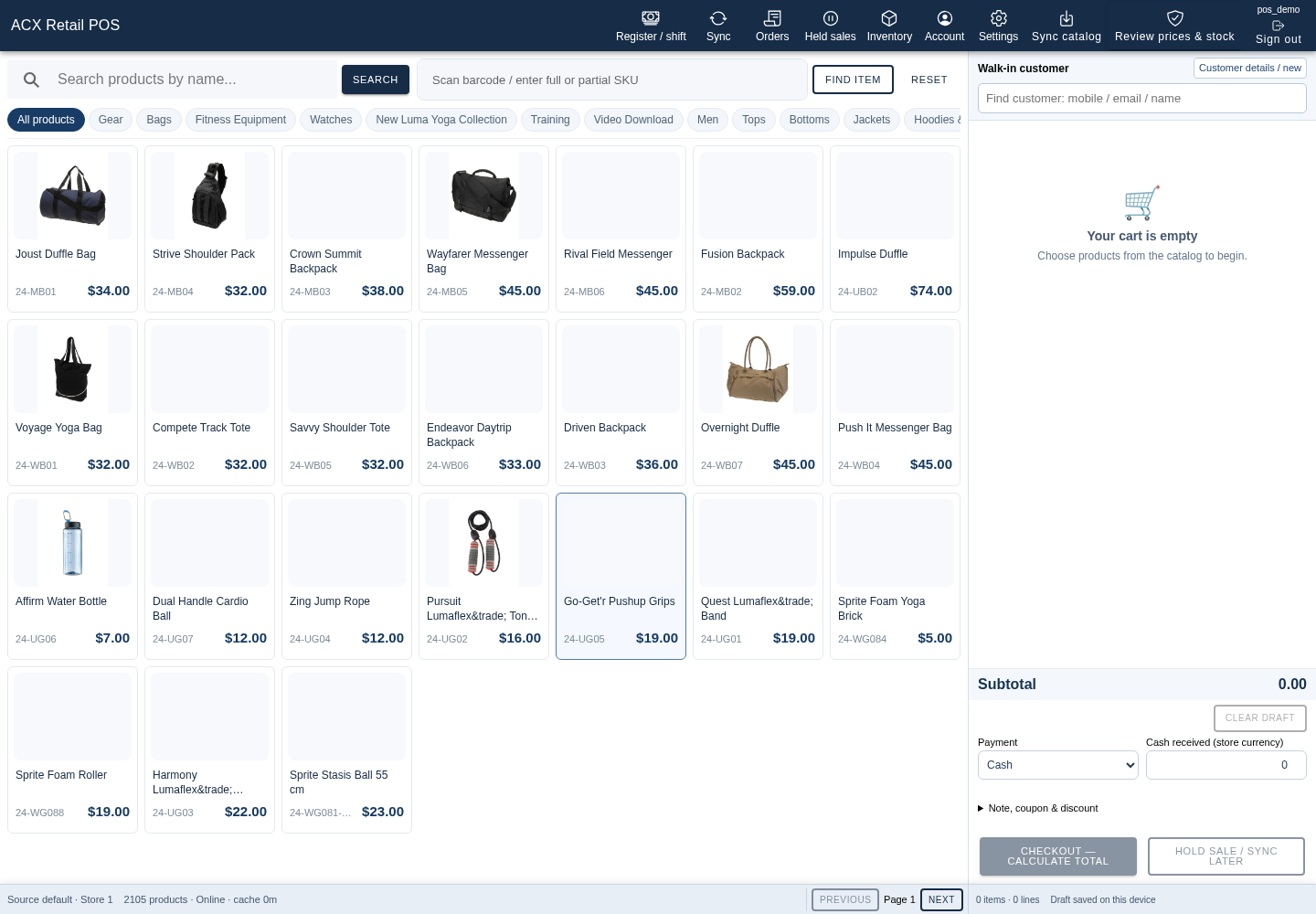
Find products
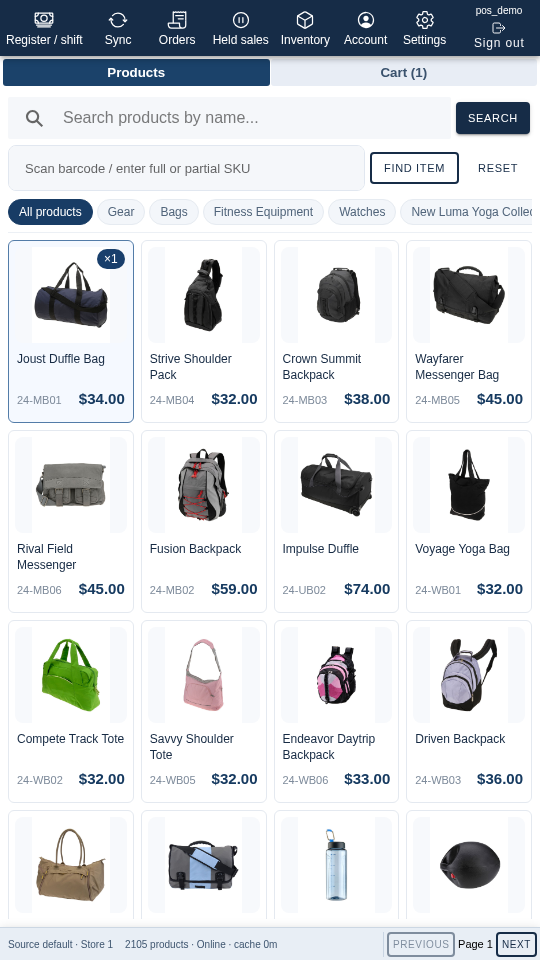
Browse the category list or search the catalog by product name, SKU or barcode. Product cards show the product name, SKU and price.
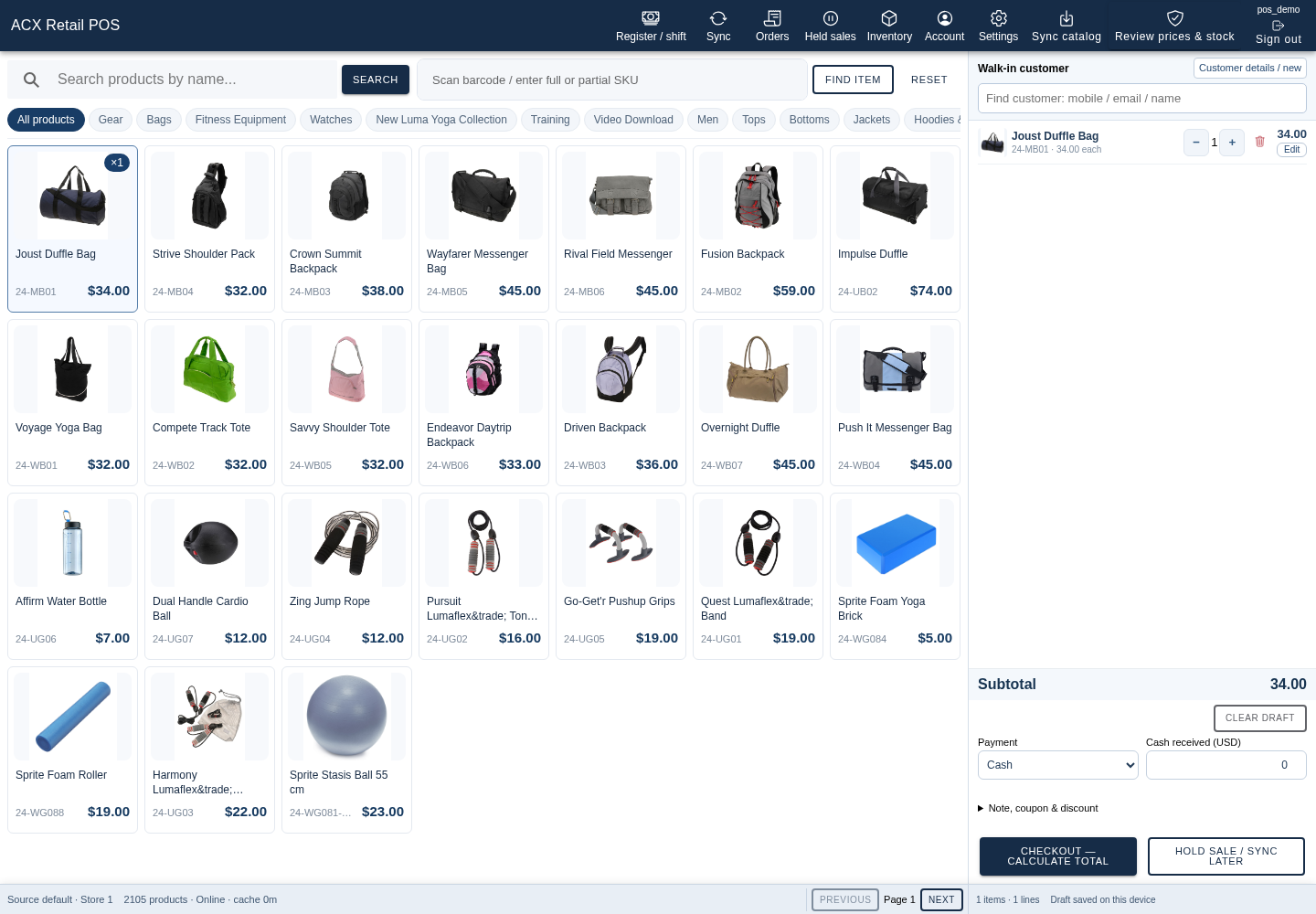
Prepare a cart
- Select a product to add it to the cart and adjust the quantity as needed.
- Use the configured walk-in customer or search for an existing customer when permitted.
- Review the cart, current price and salability before completing the sale using an available cash or unpaid workflow.
The demo can be explored by adding an item and reviewing the cart without submitting a sale.
Review inventory
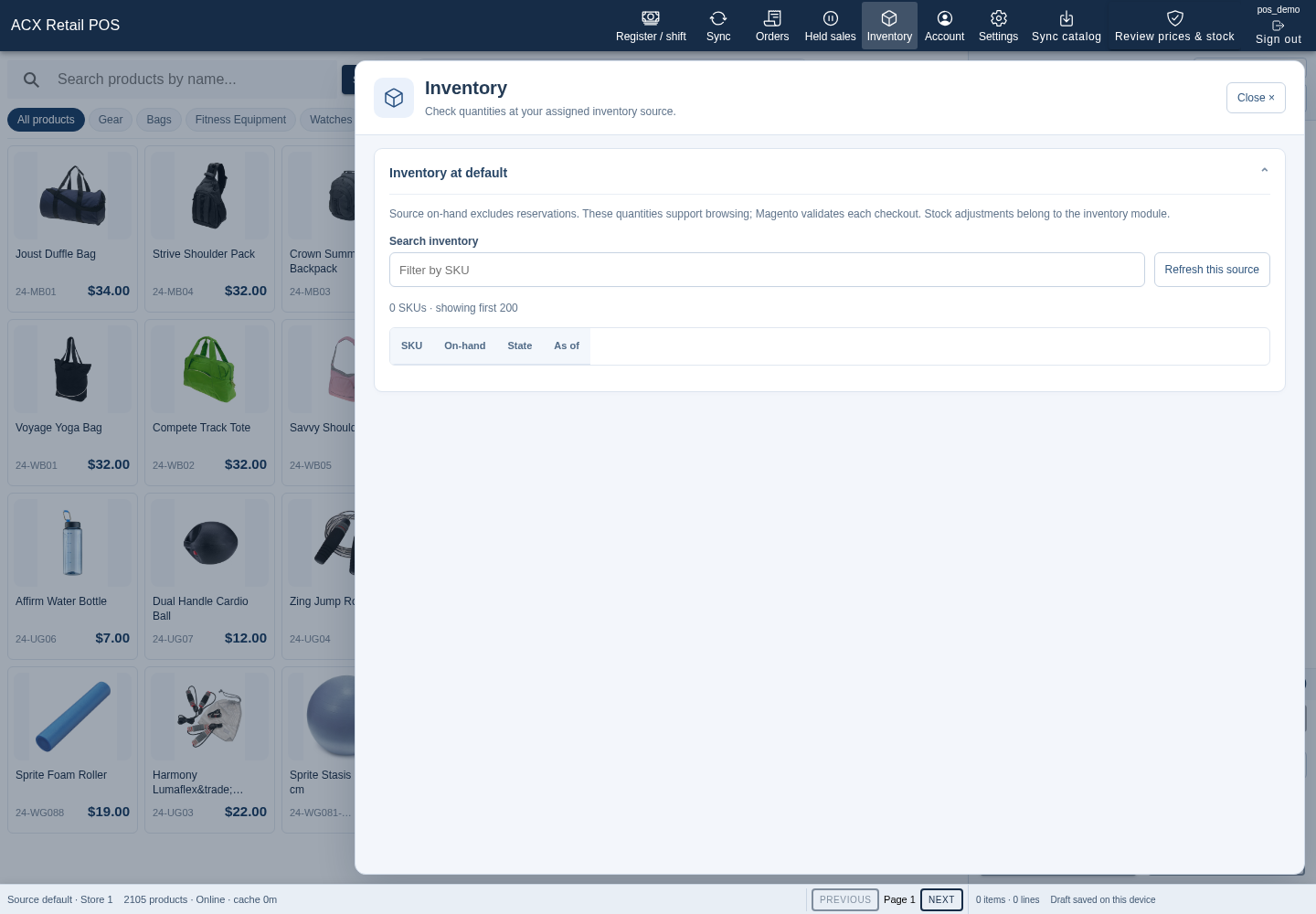
Employees with access can open Inventory to review stock within their assigned scope. Cached stock is a reference snapshot; check live salability before checkout.
Use drafts and reconnect
Hold a sale draft to return to it later. The PWA can keep a local catalog and drafts during a connection interruption. Reconnect and review synchronization before server-dependent actions; offline drafts do not guarantee final stock or prices.
On a supported browser, use the browser’s installation option when offered. The workspace adjusts to mobile screens.
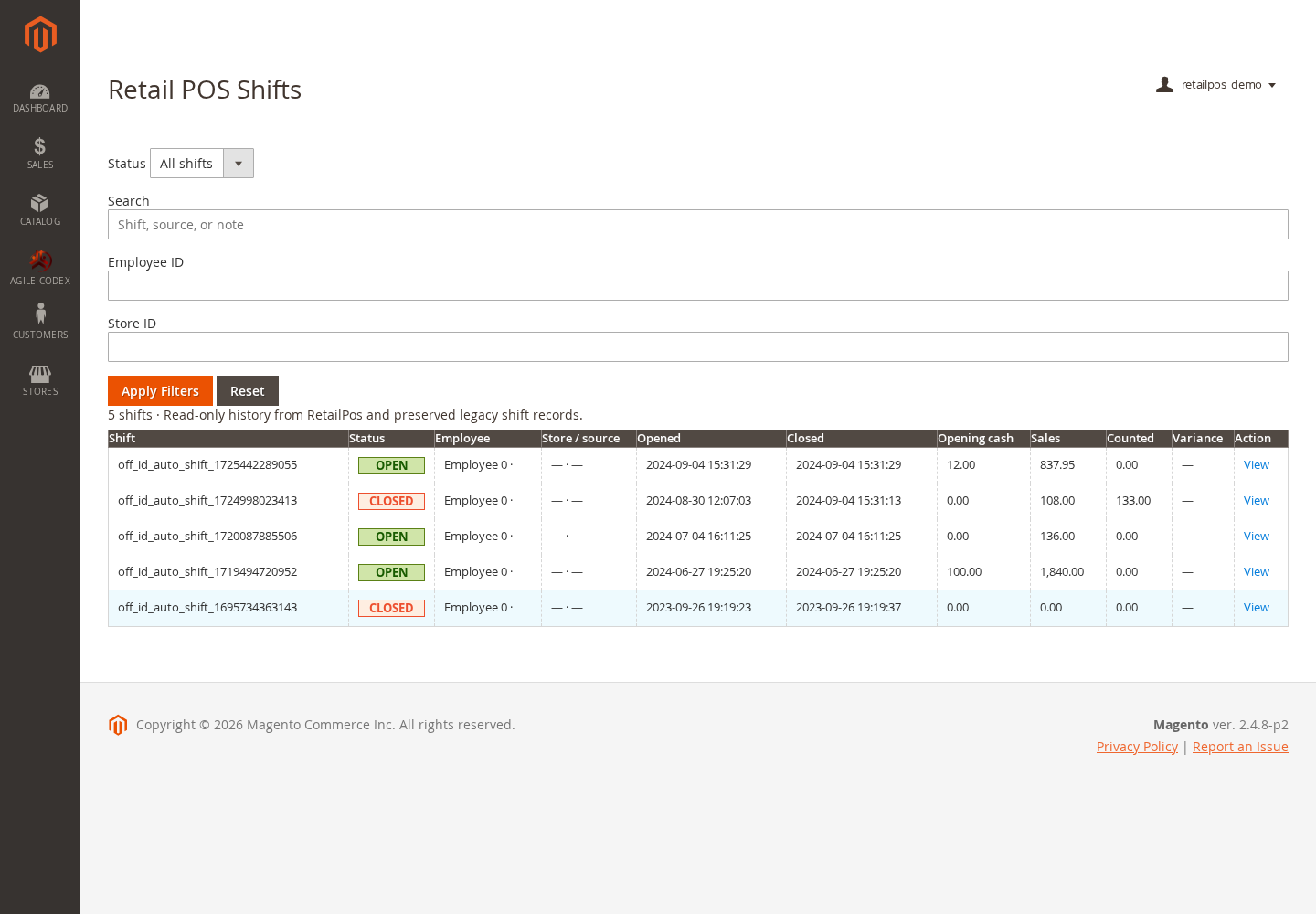
Review shifts and access
Cashier and register actions depend on employee permissions. Managers with the appropriate Magento Admin access can review Retail POS shift history and cash reports and manage operator, role, store and source access.